
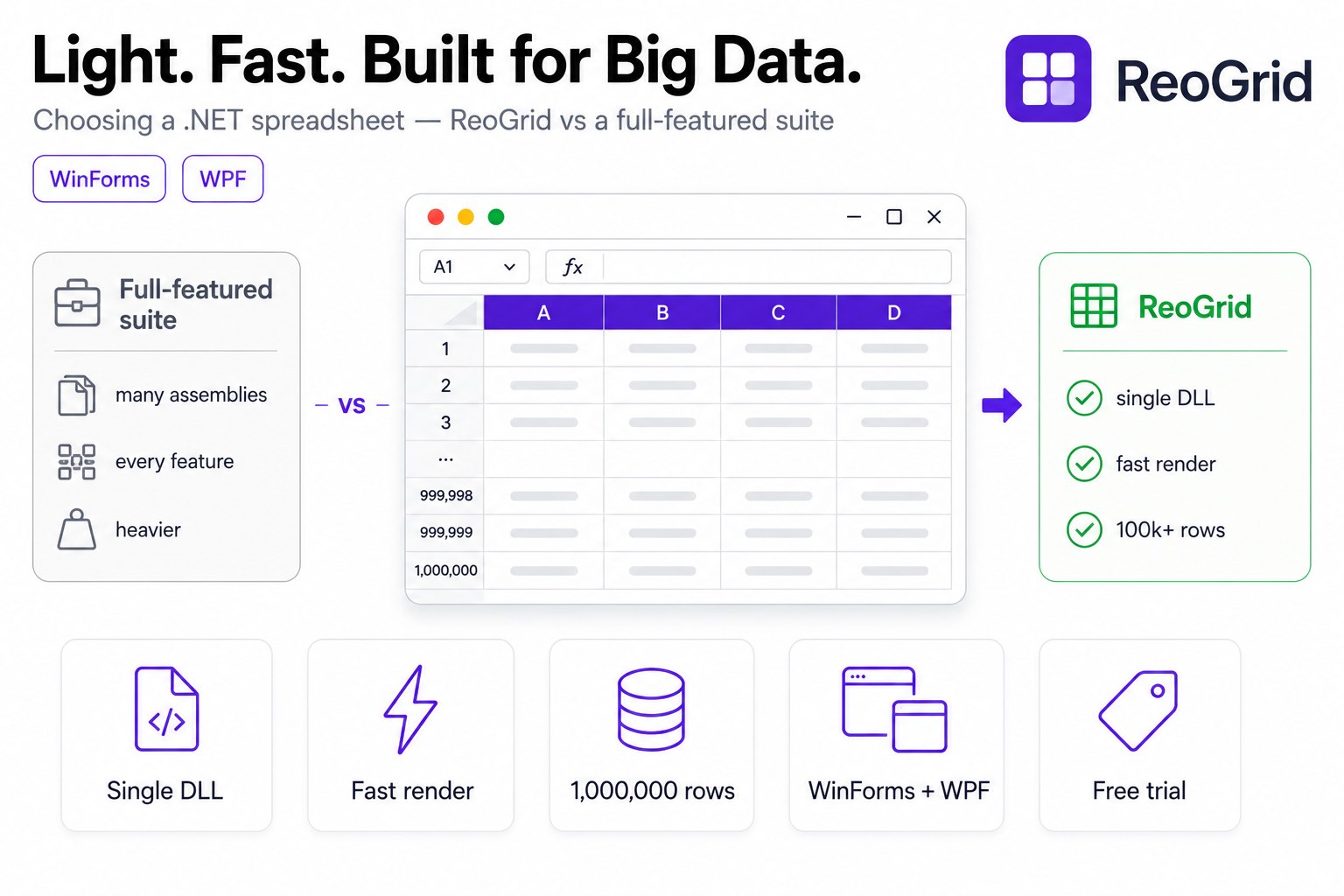
When you need to put an “Excel-like grid” into a .NET desktop app, one of the first names that comes up is GrapeCity SPREAD (now MESCIUS, product name SPREAD.NET; formerly SPREAD for Windows Forms / WPF). It has a long track record, covers a vast feature surface, and is the safe default — pick it and you won’t be caught short.
So why ReoGrid? The short answer: when you don’t need a full-featured suite, lighter, faster, and cheaper is the rational choice. This article lays out, honestly, what each tool is good at. Where SPREAD is strong, it says so — and then makes clear where ReoGrid earns its place.
Note: This article is written from facts ReoGrid publishes (distribution model, pricing, our own measurements). Specific SPREAD numbers — pricing, binary size, benchmark figures — change across releases, so we don’t state them as fixed. For the latest accurate information, check each vendor’s official site.
The big picture — different centers of gravity
Both sit on the same shelf labeled ”.NET spreadsheet component,” but their design priorities differ.
- GrapeCity SPREAD is the full-featured, comprehensive option — it aims to cover Excel’s capabilities as broadly as possible. Pivot tables, sparklines, a rich catalog of cell types and functions, deeply polished Excel compatibility. Its value is in having everything.
- ReoGrid covers what a spreadsheet actually needs — formulas, charts, conditional formatting, merged cells,
.xlsxI/O — and then leans the whole design toward being lightweight, fast, and large-data capable. It targets “fast and light enough,” not “all of it.”
This isn’t about which is better. The answer flips depending on whether your project wants breadth or light weight and speed.
Comparison table
| Dimension | ReoGrid V4 | GrapeCity SPREAD (SPREAD.NET) |
|---|---|---|
| Position | Lightweight, fast spreadsheet component | Full-featured, established suite |
| Platforms | WinForms / WPF (.NET 8 + .NET Framework 4.8, same API) | WinForms / WPF (ASP.NET, JavaScript editions are separate products) |
| Distribution | Single assembly unvell.ReoGrid (almost no external deps) | Broader feature set tends toward multiple assemblies |
| Feature breadth | Sufficient (formulas, charts, conditional formatting, merge, xlsx I/O) | Very wide (pivots, sparklines, many cell types/functions, etc.) |
| Excel compatibility | Reads/writes .xlsx, covers the major functions | Deeply polished compatibility |
| Large data | Built out via LazyLoadDataSource, SetRangeData, virtual rendering | Virtualization and large-data support available |
| Free to start | V3 Community free + 30-day V4 trial | Evaluation version available |
| Pricing | Published prices, per-seat (Pro / Enterprise) | Priced per product tier |
| Ecosystem | Backed by unvell | Mature — long track record, docs, community |
| Origin | Open-source heritage | Dedicated commercial vendor |
The bold cells are where each especially shines. Below, each ReoGrid advantage is backed by a concrete fact.
Advantage 1: Light — drop in a single DLL
ReoGrid ships as a single assembly, unvell.ReoGrid, with almost no external dependencies. The WinForms and WPF builds both work after adding one reference. There’s no installer or surrounding runtime to bundle, so your distribution stays simple.
Add reference → unvell.ReoGrid.dll (+ a thin WinForms / WPF control)
Dependencies: essentially just the .NET runtime
A comprehensive suite, in exchange for its breadth, often comes with multiple assemblies and supporting components — which adds to distribution size, startup assembly load, and version-management overhead. This is a trade-off, not a verdict, but if your stance is “the feature set is fine as-is, I just want to ship it light,” a self-contained single DLL is a real practical win. It pays off especially for ClickOnce deployment of internal tools, or embedded scenarios where footprint matters.
The fact that WinForms and WPF share the same API also feeds the light-weight story. Cell operations, formulas, and styling you write for one run almost unchanged on the other — no learning or implementing things twice.
Advantage 2: Fast — a tuned rendering and bulk-load path
ReoGrid is designed to keep the rendering pipeline itself light, materializing and drawing only the visible range (see Performance for the mechanics). On top of that, the data-loading hot path is continuously optimized.
- Bulk writes via
SetRangeData— push a 2D block in one call. This avoids the per-cell event and setup cost you pay when callingsheet["A1"] = xonce per cell, and it runs about 3× faster at the 200,000-cell scale (4.4 / our measurement; see the 4.4 release notes). - Bulk load combined with conditional formatting also improved dramatically in 4.4 — the combination of bulk write plus conditional formatting measured an ~11,700× improvement (same source).
// Push a block in one call instead of cell by cell
var data = new object[rows, cols];
for (int r = 0; r < rows; r++)
    for (int c = 0; c < cols; c++)
        data[r, c] = source[r, c];

sheet.SetRangeData("A1", data);   // bulk load is dramatically faster
Components that “look like Excel” can feel very different even when they look identical — scroll smoothness and first-paint speed are where the experience diverges. ReoGrid leans into keeping that light, and it’s the area third-party evaluations most often single out.
Advantage 3: Strong on large data — a million rows without stalling
Large data — often the heart of the question — is exactly where ReoGrid is built out. The key is one design decision: don’t load every row into the grid’s memory.
LazyLoadDataSource, added in ReoGrid 4.4, lets you connect a million-row data source while only about the 30 rows on screen are actually materialized as Cell instances. More are materialized on demand as you scroll.
using unvell.ReoGrid.Data;

// 1,000,000 rows × 10 columns, already held in memory as object[,].
var data = new object[1_000_000, 10];
FillData(data);

worksheet.SetRows(data.GetLength(0));

// Connect in one line. The range is inferred from the source's row/column count.
worksheet.AddDataSource(
    new LazyLoadDataSource(data),
    DataSourceLoadMode.LazyLoading);
object[,] is held by reference (not copied), so the grid’s memory usage tracks the visible range rather than “all rows × all columns.” If even the array is too large, implement IDataSource<T> yourself and stream from disk or a database in GetRecord.
The full design for handling hundreds of thousands to a million rows without freezing the UI is in Displaying Large Datasets Efficiently in WPF and Fast Loading of Large Data with Lazy Load Mode — including where the standard DataGrid chokes and when to switch to a lazy data source, with the decision flow.
Advantage 4: Free to start — a low bar to evaluate
ReoGrid has open-source heritage, and the V3 Community edition is still free to use. To try the latest features, there’s a 30-day free trial of V4. That fits the common pattern of “let me touch it in a PoC before deciding” and “I want to do technical validation before budgeting.”
Pricing is also published on the pricing page, so you can estimate without waiting for a quote.
| Edition | Platforms | Price (USD) | Dev devices | Updates & support |
|---|---|---|---|---|
| ReoGrid One Professional | WinForms / WPF / Avalonia* | $2,500 | Up to 3 | 1 year included, renewable ($750/yr, optional) |
| ReoGrid One Enterprise | WinForms / WPF / Avalonia* | $3,900 | Unlimited (site license) | 1 year included, renewable ($975/yr, optional) |
* Avalonia is supported in V5 and later.
Licensing is simple and per developer seat; Enterprise is an unlimited-seat site license. One license covers WinForms, WPF and Avalonia — no need to buy per platform — and it is version-independent, covering both V4 and V5. The license is perpetual (buy once); the optional annual renewal only affects updates and support, and your installed version keeps working if you don’t renew. Measured against the engineering cost of building formula evaluation, conditional formatting, and .xlsx I/O yourself, dropping in one lightweight component is an easy call to justify.
Updated 2026-08-19: the table reflects the new licensing model — the per-platform SKUs were merged into ReoGrid One, and every purchase now includes the first year of updates & support. See the pricing page for current prices.
In fairness — when to choose SPREAD
Having made ReoGrid’s case, there are situations where SPREAD is clearly the better fit. An honest comparison says so.
- You need maximum Excel fidelity — if you must reproduce complex
.xlsxfiles down to layout, functions, and formatting, or round-trip editing of Excel files is a hard requirement, SPREAD’s years of compatibility work pay off. - You want advanced features like pivot tables and sparklines out of the box — if you want these “configure-and-go,” SPREAD’s breadth is ahead.
- A large, long-term enterprise project that prizes track record and deep support — the volume of references, depth of documentation and community, and dedicated support are real reassurance, and they’re easy to justify in procurement.
- You’re combining it with other products from the same vendor — like SpreadJS or ActiveReports. If you want a single-vendor ecosystem across product lines, there’s value in standardizing.
In short: if your requirements center on maximum breadth, fidelity, and enterprise-grade support infrastructure, choose SPREAD. If those feel like overkill for your project, ReoGrid’s light weight, speed, and cost win.
How to choose — a decision flow
- Must you reproduce / round-trip complex Excel files faithfully? → SPREAD. Its compatibility work pays off.
- Do you rely heavily on advanced features like pivots and sparklines out of the box? → SPREAD.
- Are formulas, charts, conditional formatting, and
.xlsxI/O enough — and you mainly want to ship light and fast? → ReoGrid. - Do you need to display/edit hundreds of thousands to a million rows without freezing the UI? → ReoGrid (
LazyLoadDataSource+SetRangeData). - Do you want to validate for free before committing, or keep costs down? → ReoGrid (V3 Community + V4 trial).
- Do you need WinForms and WPF from one API? → ReoGrid.
The first thing to decide is which way you lean — breadth vs. light-and-fast. Fill in a requirements table; if the features you’ll actually use fit inside “sufficient,” choosing the lighter option ends up cheapest.
Summary
- GrapeCity SPREAD is full-featured and comprehensive — strong on Excel fidelity, breadth, track record, and ecosystem maturity. If your requirement is “all of it,” it’s a solid choice.
- ReoGrid is designed for light weight, speed, and large data. It’s a single DLL with almost no dependencies, ~3× faster bulk loading via
SetRangeData, and withLazyLoadDataSourcematerializes only the visible range even at a million rows. - ReoGrid handles WinForms / WPF from one API, starts free (V3 Community + a 30-day V4 trial), and has published pricing.
- The axis to pick on is “breadth vs. light-and-fast.” If the features you actually use fit inside sufficient, lighter is the rational choice.
If you just want to put “an Excel-like grid” into your app and don’t need a full suite, try ReoGrid for free first. Light weight and speed show up better the moment you scroll than in any benchmark number.
Further reading
- Choosing the Right Editable Grid for WinForms and WPF Apps — when to graduate from DataGridView, and what your options are
- Displaying Large Datasets Efficiently in WPF — handling a million rows without freezing the UI
- Fast Loading of Large Data with Lazy Load Mode — implementing
LazyLoadDataSource/IDataSource - Performance — how the rendering pipeline stays light
- ReoGrid Features / Pricing — editions and prices