
Tag: #excel
10 articles
-
![Excel Number Format Codes, Decoded — #,##0, [Red], ;;; and K/M Suffixes in a C# App](/images/articles/excel-number-format-codes.svg)
Excel Number Format Codes, Decoded — #,##0, [Red], ;;; and K/M Suffixes in a C# App
#,##0;[Red]-#,##0;"-" looks like line noise, but it is a small language — four sections, digit placeholders, colors, conditions and literal text — and once you can read it you can write the code you actually need. This guide decodes Excel's custom number formats: thousands and millions scaling, hiding values, units, [h]:mm for timesheets, and why three cells showing 33 can total 100. Then it applies the same codes in C# with ReoGrid V5, where a code copied out of Excel works as-is and survives the trip to XLSX.
-
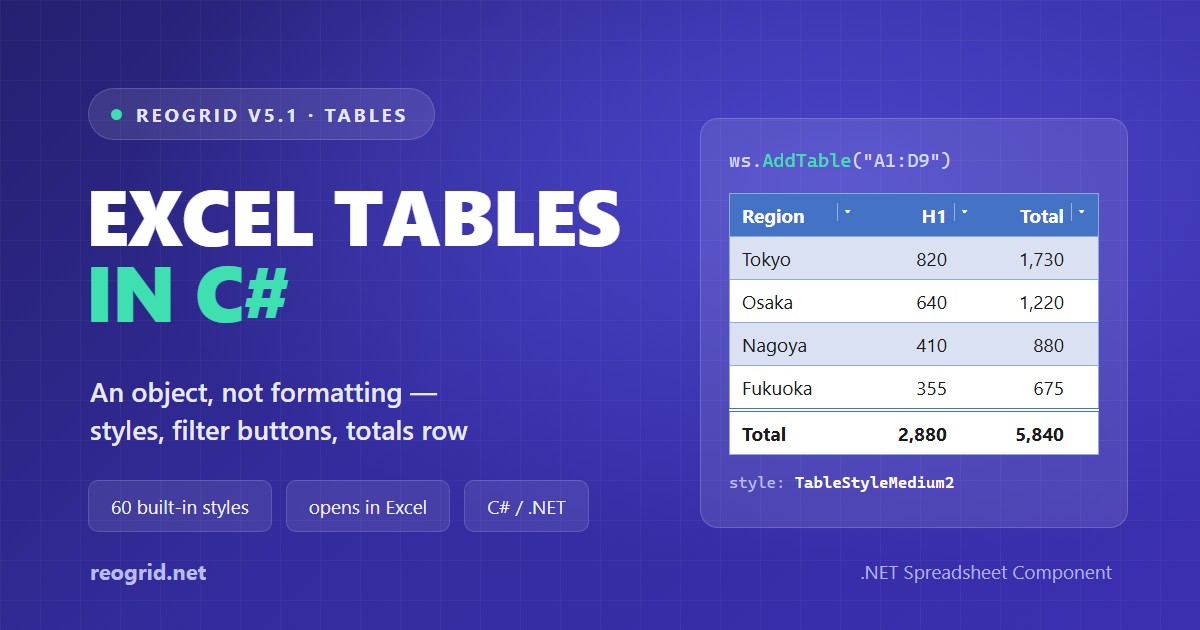
Excel Tables in C# — What "Format as Table" Actually Saves, and How to Create One
Excel's "Format as Table" looks like formatting — a coloured header, striped rows — yet not one cell in the saved file carries a fill. What Excel stores is an object: a range, a header row and a style name. This guide opens up the table part of an .xlsx, explains what the 60 built-in styles really contain, and names the three details that decide whether Excel will open the file at all — then builds a table with filter buttons and a totals row in C# with ReoGrid V5.1.
-
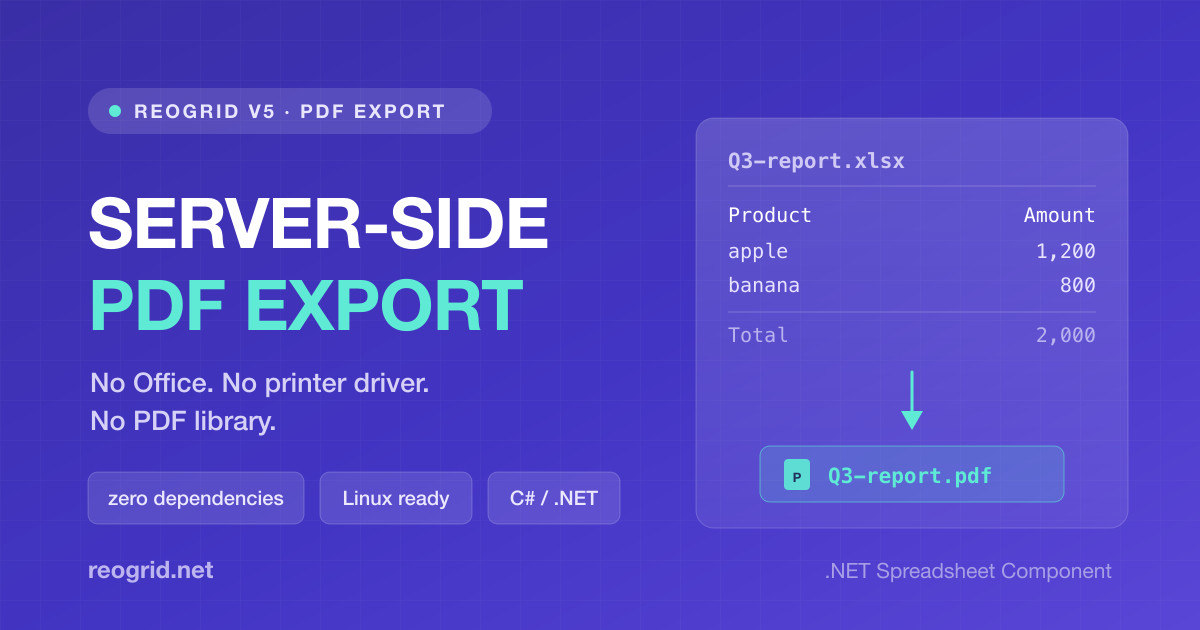
Spreadsheet to PDF in C# — No Office, No Printer Driver, No PDF Library
"Email them the report as a PDF" is a one-line requirement that turns into a week. Office Interop is unsupported in a service, the Print to PDF driver needs a spooler, headless Chromium is a browser in your image, and a PDF library means re-laying-out the table by hand. ReoGrid V5 exports PDF with the same rendering engine that paints the grid. Everything PDF output needs is built in, including a Japanese font, so it runs as-is in a Linux container.
-

Build a Receipt Generator in About 30 Lines of C# — Excel Template + ReoGrid
Design a receipt once in Excel instead of laying it out in code, then let ReoGrid load the template, fill the blanks, save a copy, and print. A complete WinForms app in about 30 lines of C#.
-
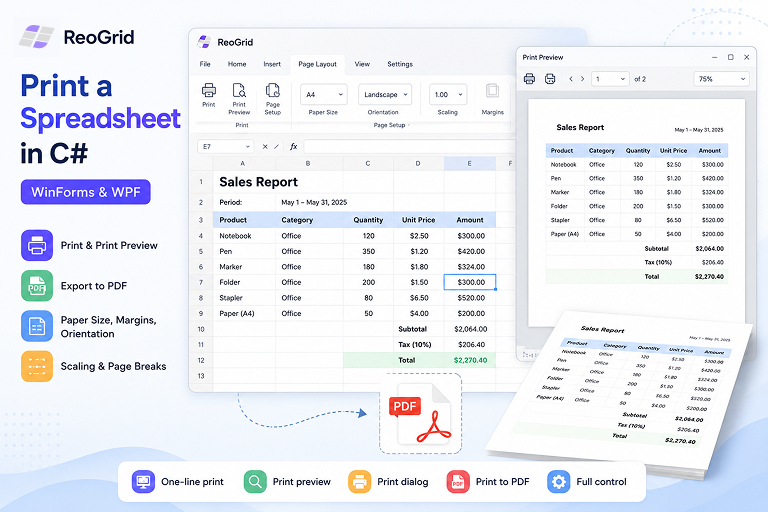
Printing a Spreadsheet in C# — Print, Preview, and PDF in WinForms and WPF
How to print a worksheet from a .NET desktop app — print preview, the system print dialog, printing straight to PDF, plus paper size, margins, orientation, scaling, and page breaks. Working C# code for WinForms and WPF.
-
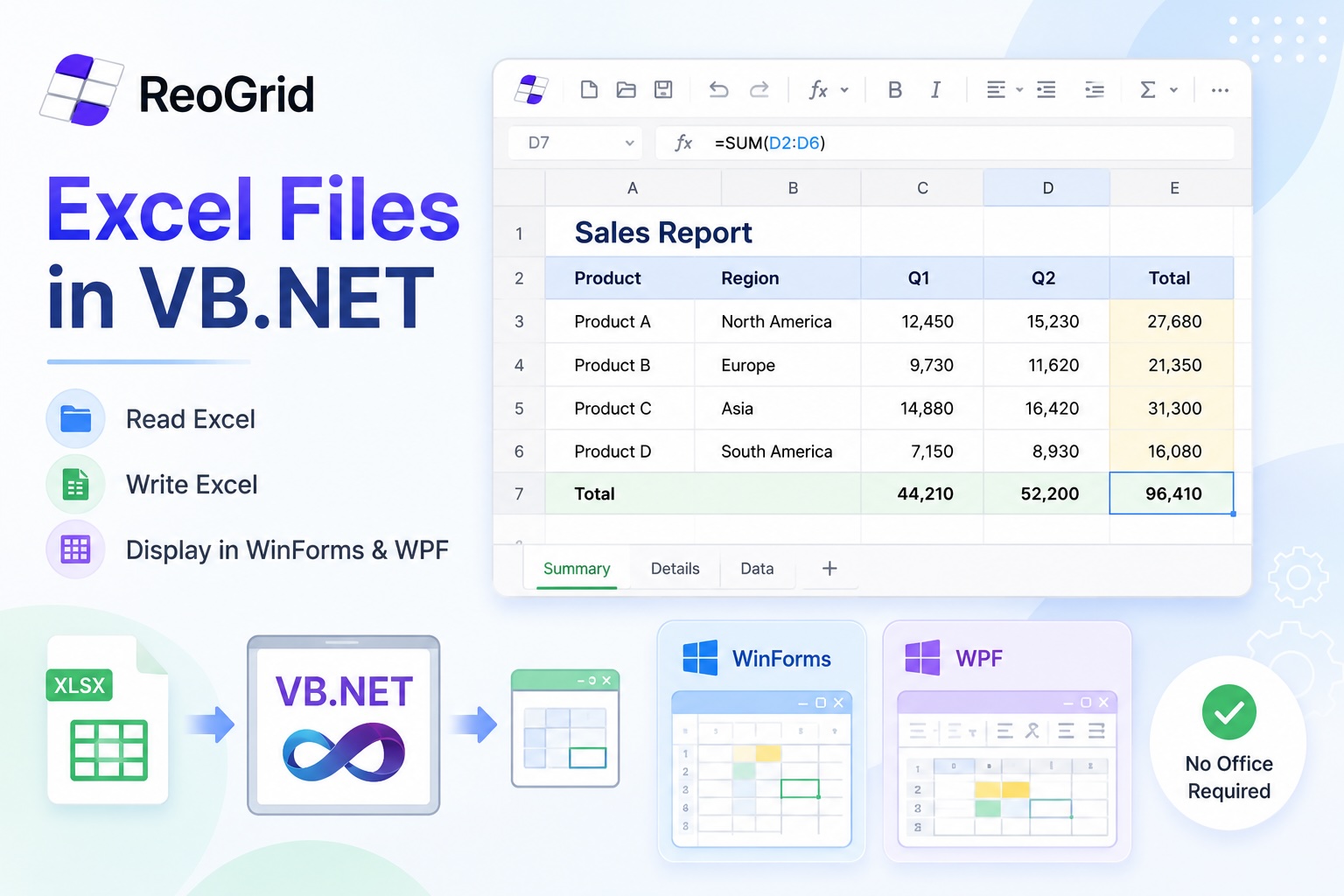
Reading, Writing, and Displaying Excel Files in VB.NET
A practical guide to working with .xlsx files in VB.NET — reading data, generating reports, and embedding a live spreadsheet viewer inside a WinForms or WPF desktop app. Everything here works without Office installed.
-
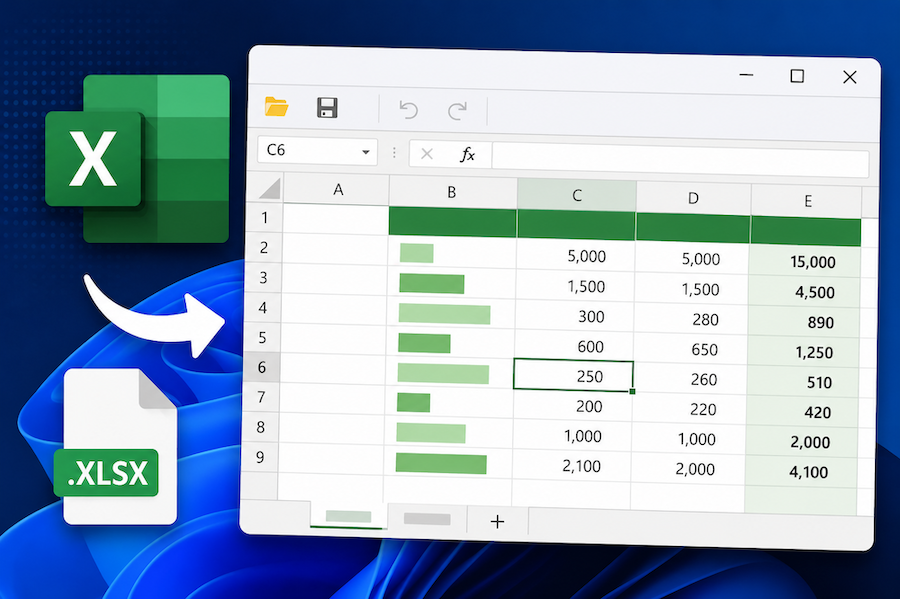
Display and Edit an Excel File in a WinForms or WPF App with C#
How to embed a working Excel viewer inside a .NET desktop app — load .xlsx, let users edit cells and formulas, save back to disk. Minimal WinForms and WPF examples in C#.
-
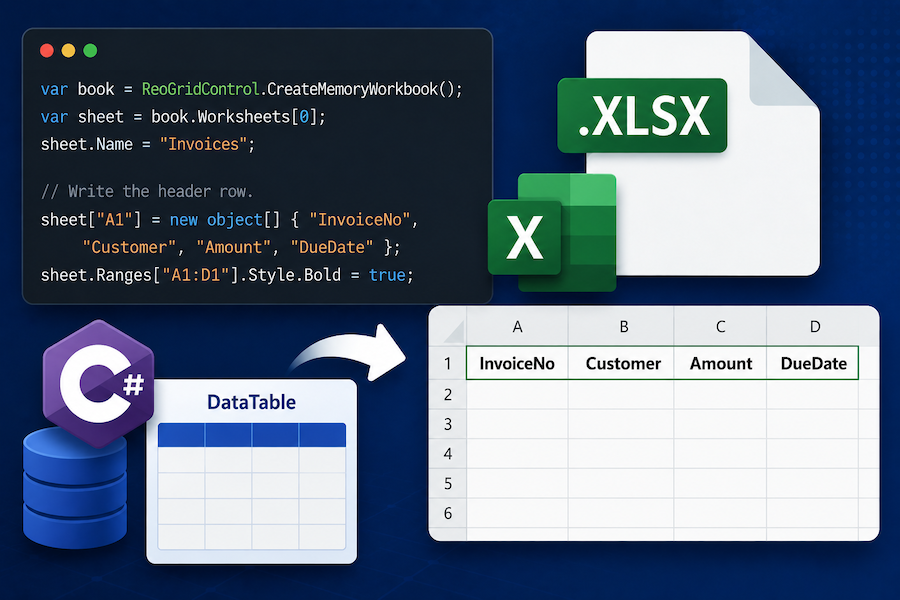
Export a DataTable to Excel (.xlsx) in C# Without Office Interop
How to write a DataTable out as a real .xlsx file from C# — headers, formats, multiple sheets, and the ASP.NET Core download pattern. Side-by-side examples with ClosedXML, EPPlus, and ReoGrid.
-
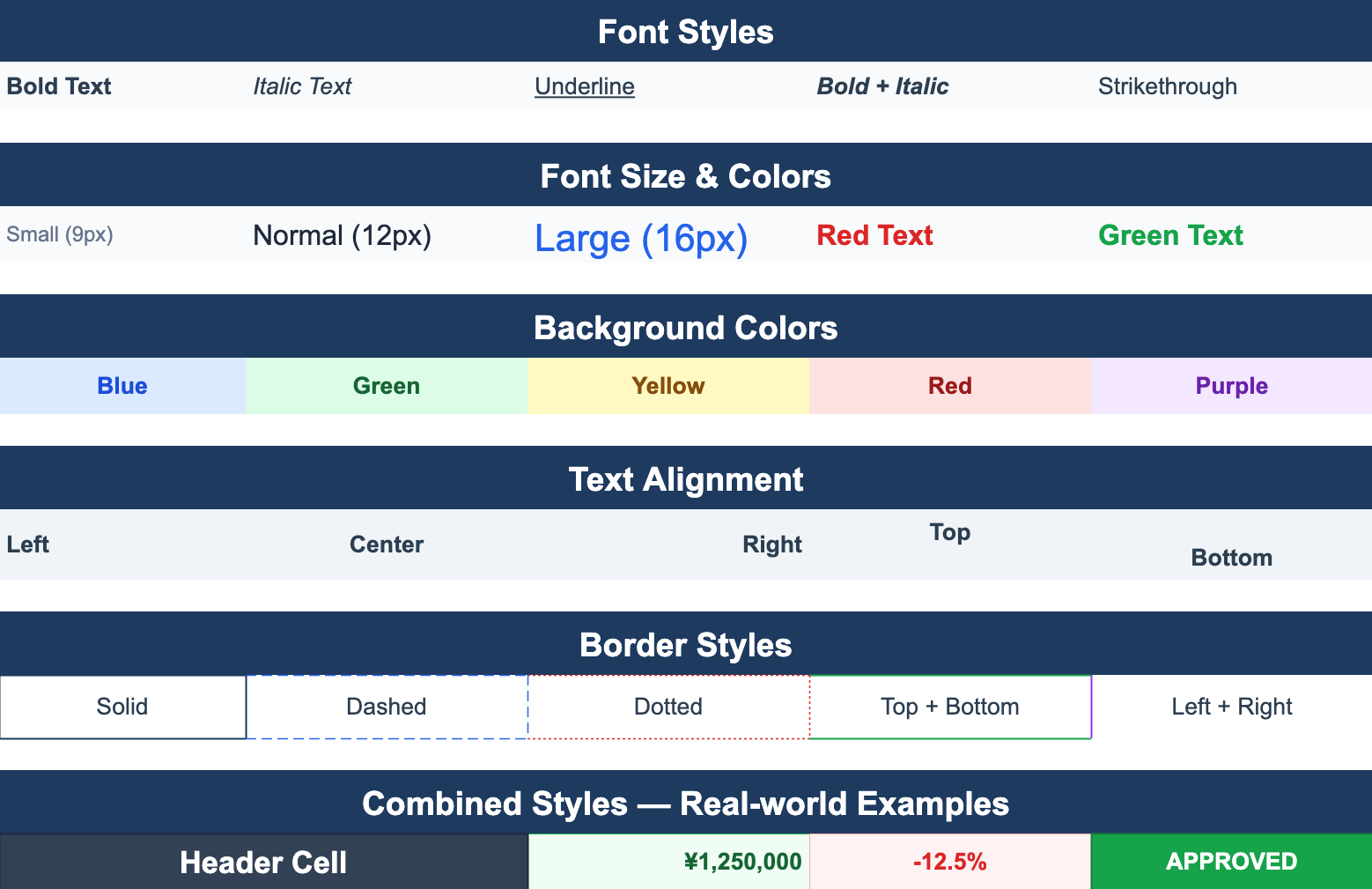
Excel-Style Conditional Formatting in .NET Applications
How to add conditional formatting — color highlights, data bars, icon sets — to a .NET WinForms or WPF spreadsheet. Covers the rule model, performance pitfalls when applied to large ranges, and patterns that round-trip cleanly to Excel.
-
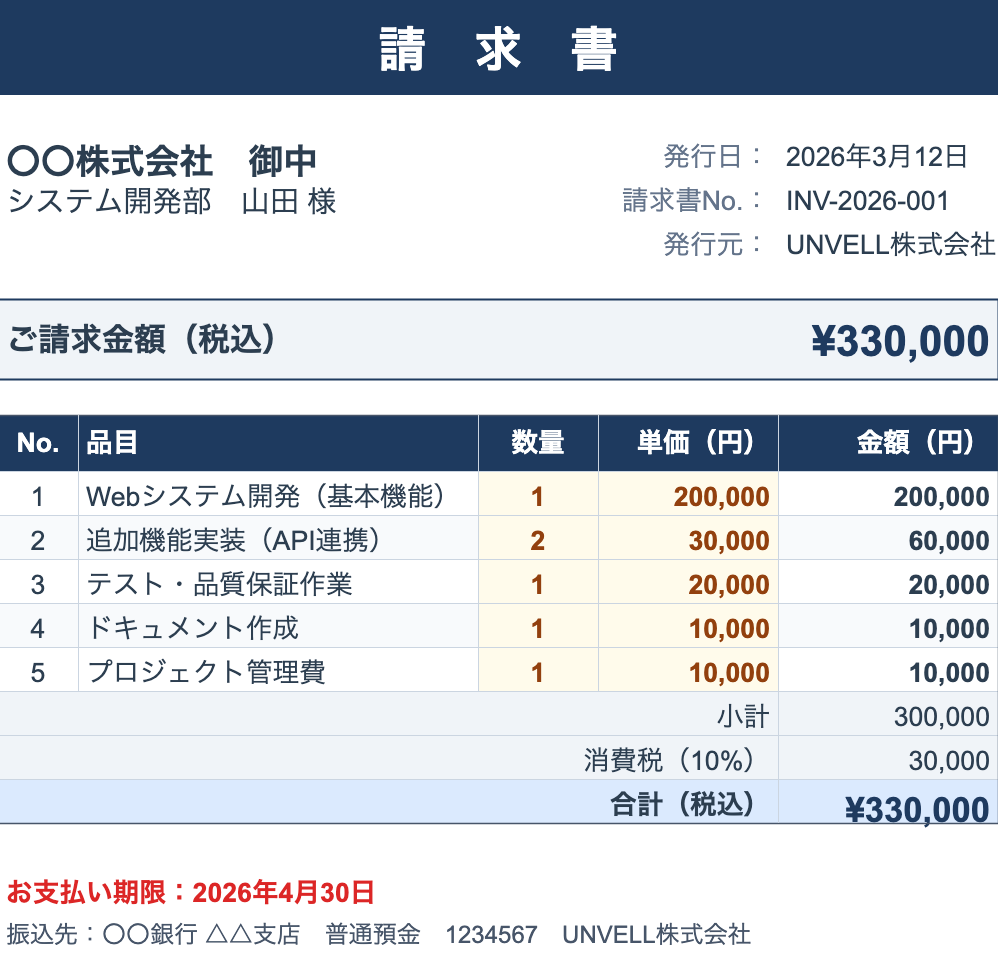
Reading and Writing Excel Files in C# Without Office Interop
A practical guide to handling .xlsx files from C# without installing Microsoft Office. Compares the main approaches — OpenXML SDK, ClosedXML, EPPlus, NPOI, and ReoGrid — and shows working code for the common cases.