
Tag: #avalonia
6 articles
-
![Excel Number Format Codes, Decoded — #,##0, [Red], ;;; and K/M Suffixes in a C# App](/images/articles/excel-number-format-codes.svg)
Excel Number Format Codes, Decoded — #,##0, [Red], ;;; and K/M Suffixes in a C# App
#,##0;[Red]-#,##0;"-" looks like line noise, but it is a small language — four sections, digit placeholders, colors, conditions and literal text — and once you can read it you can write the code you actually need. This guide decodes Excel's custom number formats: thousands and millions scaling, hiding values, units, [h]:mm for timesheets, and why three cells showing 33 can total 100. Then it applies the same codes in C# with ReoGrid V5, where a code copied out of Excel works as-is and survives the trip to XLSX.
-

The World's First WinForms Spreadsheet That Draws on the GPU — ReoGrid One 5.2
ReoGrid One 5.2 gives its WinForms control a Direct2D renderer, making it the first WinForms spreadsheet component to draw with Direct2D on the GPU (our research, as of October 2026). One property turns it on, and a full repaint while scrolling drops from 3.6 ms with GDI+ to 1.0 ms. The same release makes each frame about 7× faster on WPF and up to 8× faster on Avalonia, and draws sheets with tens of thousands of merged cells about 16× faster. All of it measured.
-
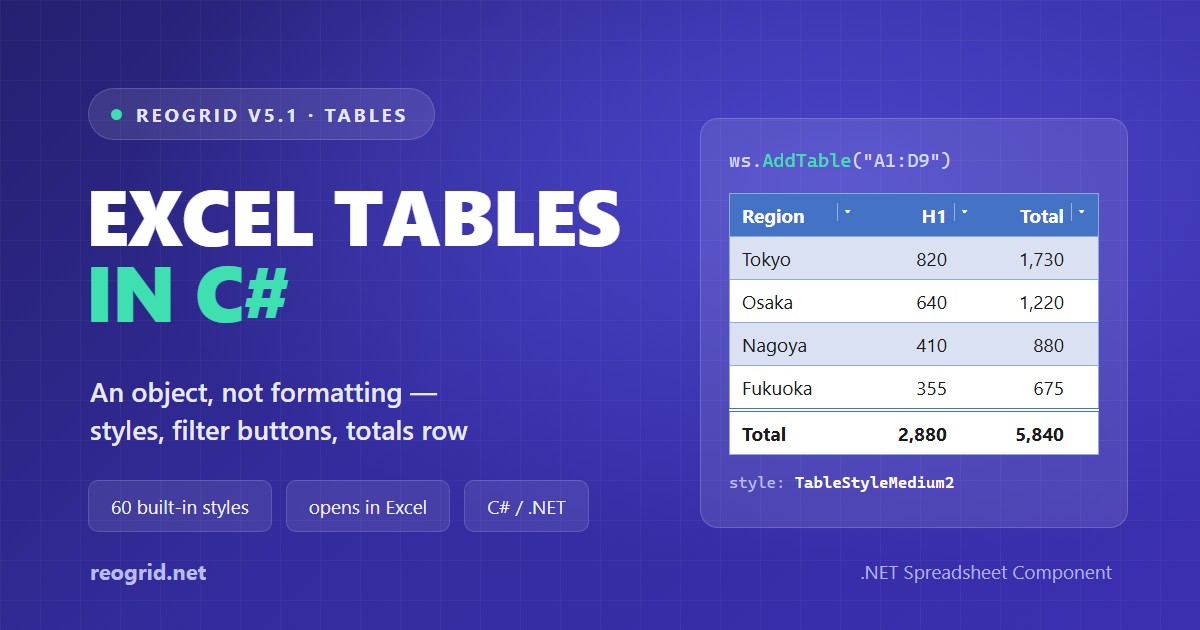
Excel Tables in C# — What "Format as Table" Actually Saves, and How to Create One
Excel's "Format as Table" looks like formatting — a coloured header, striped rows — yet not one cell in the saved file carries a fill. What Excel stores is an object: a range, a header row and a style name. This guide opens up the table part of an .xlsx, explains what the 60 built-in styles really contain, and names the three details that decide whether Excel will open the file at all — then builds a table with filter buttons and a totals row in C# with ReoGrid V5.1.
-
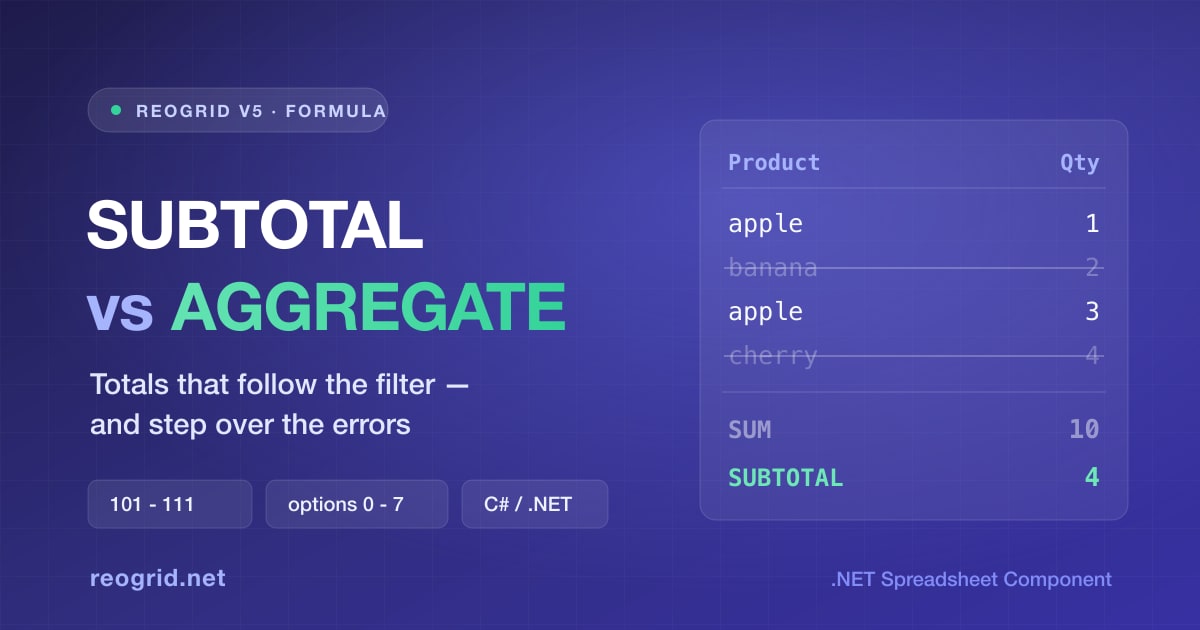
SUBTOTAL vs AGGREGATE — The Totals That Follow the Filter, and When to Use Each
A plain SUM counts rows the filter just hid, which is why a filtered list so often shows a total nobody asked for. SUBTOTAL is the Excel answer, and AGGREGATE is its superset — it can also step over the one
-

Building an Input Sheet Users Can't Break — Data Validation, Cell Notes, and Sheet Protection in ReoGrid V5
The moment you put a grid on screen, someone deletes a formula and types "12,000 USD" into a price column. ReoGrid V5 ships the three Excel tools that stop that — data validation, cell notes, and sheet protection — and they do genuinely different jobs. We build a quotation template in C# and cover the Excel-compatible gotchas along the way — validation checks only what a person types (paste skips it), the password is Excel's 16-bit verifier rather than encryption, and two permission flags default the other way.
-
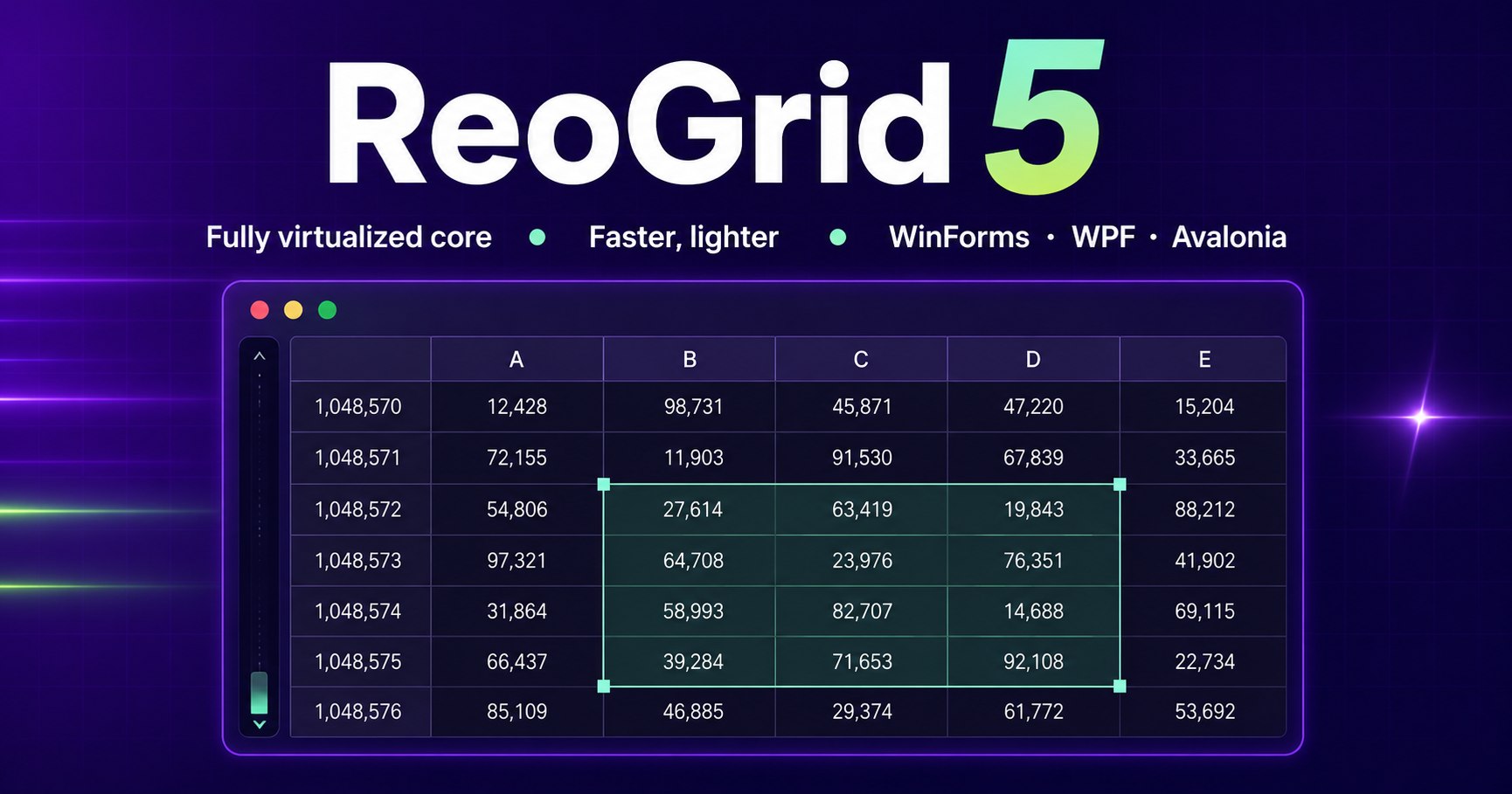
ReoGrid V5 Is Coming — A Next-Generation Rebuild, and a New Licensing Model from August 19, 2026
ReoGrid V5 is a next-generation release rebuilt from the core around a fully virtualized architecture — faster and lighter on memory in both WinForms and WPF, with support for a new platform, Avalonia. Alongside the V5 release on August 19, 2026, we will move to a new licensing and pricing model. Full details will be published when V5 goes on sale.