
Tag: #formula
7 articles
-
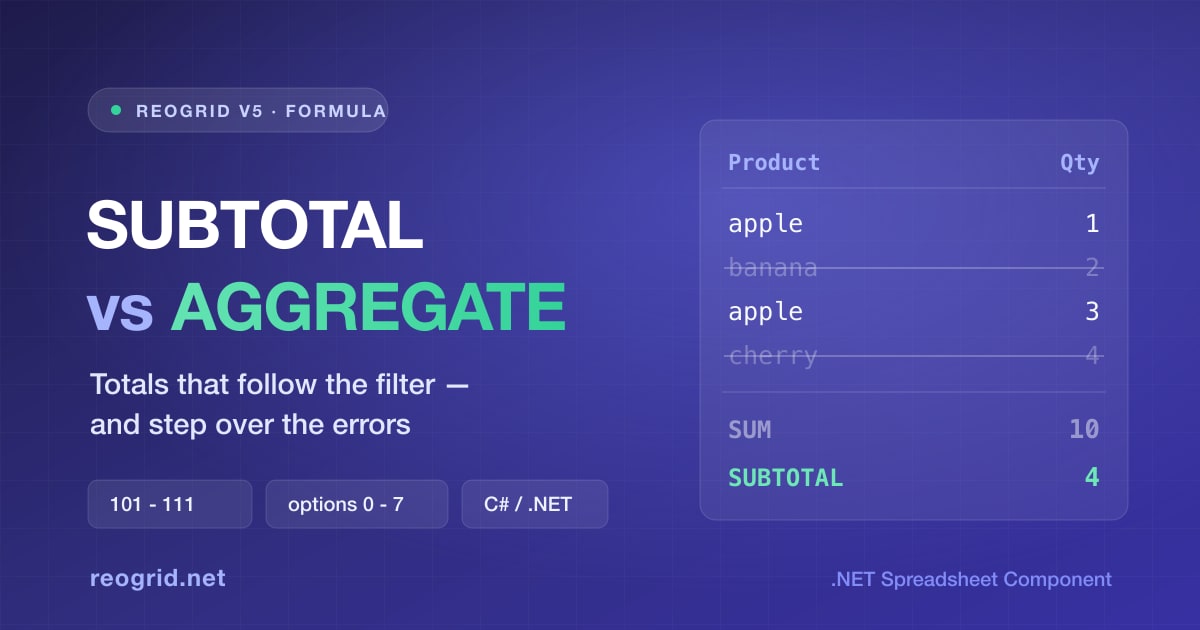
SUBTOTAL vs AGGREGATE — The Totals That Follow the Filter, and When to Use Each
A plain SUM counts rows the filter just hid, which is why a filtered list so often shows a total nobody asked for. SUBTOTAL is the Excel answer, and AGGREGATE is its superset — it can also step over the one
-

When Your Nested IFs Go Three Levels Deep, Switch to IFS — Sorting Out IF / AND / OR / IFERROR
Pass/fail checks, letter grades, achievement-rate rankings — business spreadsheets are full of conditional logic. Everyone's first tool is IF, but once the nesting gets deep the parentheses become unreadable. This guide sorts out IFS for flattening nested IFs, AND / OR for combining conditions, and IFERROR for turning errors into sensible defaults — then shows how ReoGrid (IFS / IFERROR supported since V4.5) runs the same formulas inside a WinForms / WPF app, without Office.
-

Split Full Names, Parse Codes, Join Columns — Text Manipulation with LEFT, MID, FIND, SUBSTITUTE and TEXTJOIN in C#
Splitting full names into first and last, pulling the domain out of an email address, breaking a product code apart at the hyphens — string cleanup is one line of C# with Split, but if users need to see and fix the results on screen, spreadsheet formulas are the better tool. This guide covers the workhorse recipes built from LEFT, MID, FIND, SUBSTITUTE, and TEXTJOIN, the classic traps (stray spaces, the missing SEARCH function), and how ReoGrid (supported in V4.5) runs the same formulas inside a WinForms / WPF app, without Office.
-

EDATE, EOMONTH, WORKDAY, NETWORKDAYS — Business Date Calculations with Spreadsheet Formulas in C#
"Due at the end of next month," "ship within 5 business days," "remind 3 business days before the deadline" — business apps are full of date rules that are surprisingly fiddly to hand-code with DateTime. Excel solved them long ago with EDATE, EOMONTH, WORKDAY, and NETWORKDAYS. This guide sorts out what each one does, the classic off-by-one traps, and how ReoGrid (supported in V4.5) runs the same formulas inside a WinForms / WPF app, without Office.
-

MATCH vs XMATCH — The Lookup Functions That Return a Position, and When to Use Each
MATCH and XMATCH both return "where a value sits (its position)" rather than the value itself. They differ in their default match mode, reverse search, and wildcard handling. This guide sorts out the differences with examples, shows how to combine them with INDEX to pull values more flexibly than VLOOKUP, and demonstrates how ReoGrid (supported in V4.5) runs the same formulas inside a WinForms / WPF app, without Office.
-

VLOOKUP vs HLOOKUP vs XLOOKUP — Knowing the Difference and Using Them in a C# Spreadsheet
VLOOKUP, HLOOKUP, and XLOOKUP look alike, but they differ in which direction they search, how you point at the value to return, and what happens when nothing is found. This guide sorts out the differences with tables and examples, shows why XLOOKUP fixes VLOOKUP's weak spots, and demonstrates how ReoGrid (supported in V4.5) runs the very same formulas inside a WinForms / WPF app, without Office.
-
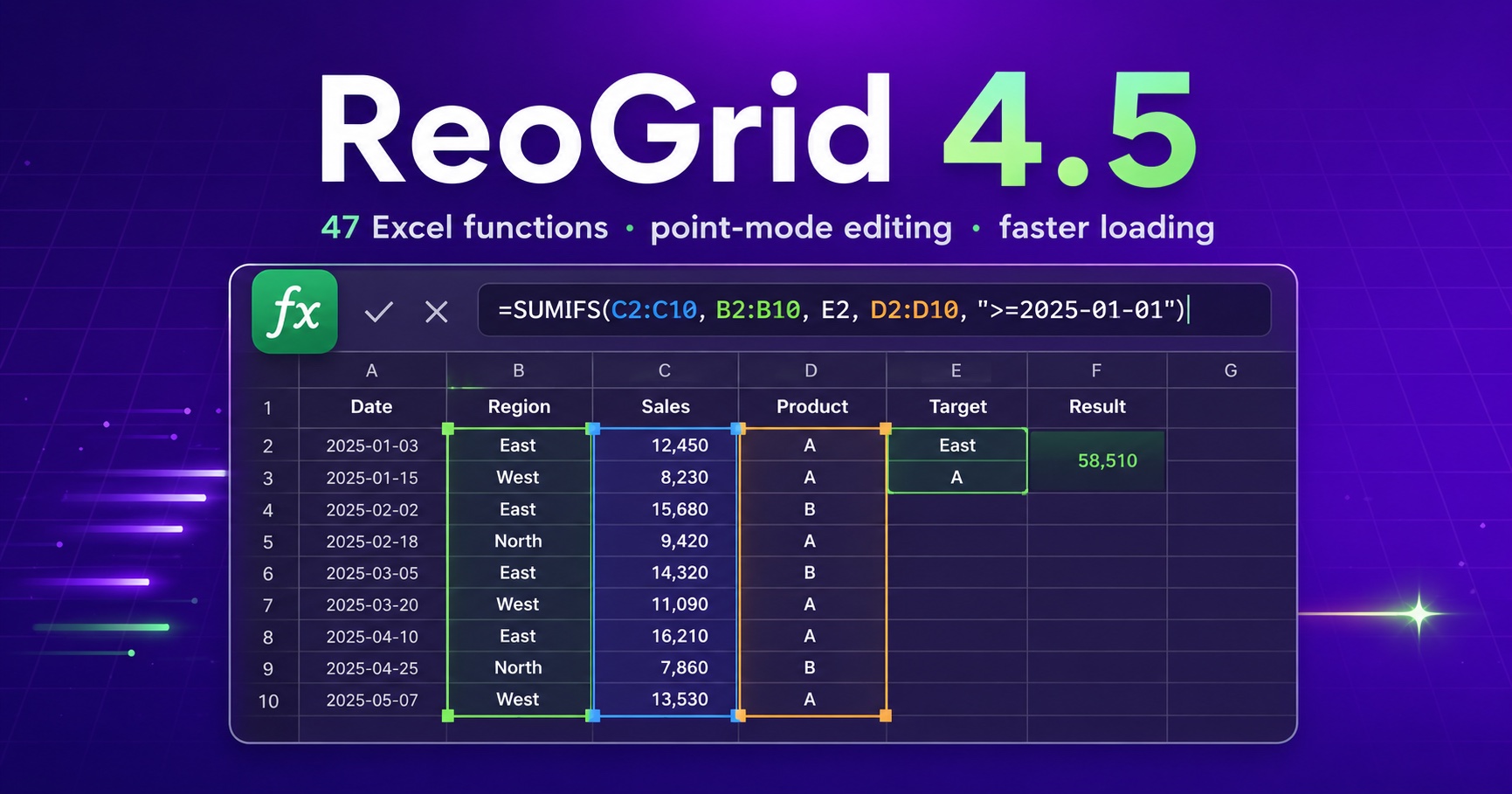
Announcing ReoGrid 4.5 — 47 Excel-Compatible Functions and Point-Mode Formula Editing
ReoGrid 4.5 adds 47 Excel-compatible formula functions, point-mode formula editing, XLSX outline (grouping) import/export, and major XLSX load-time performance and memory improvements.