
Tag: #tutorial
21 articles
-
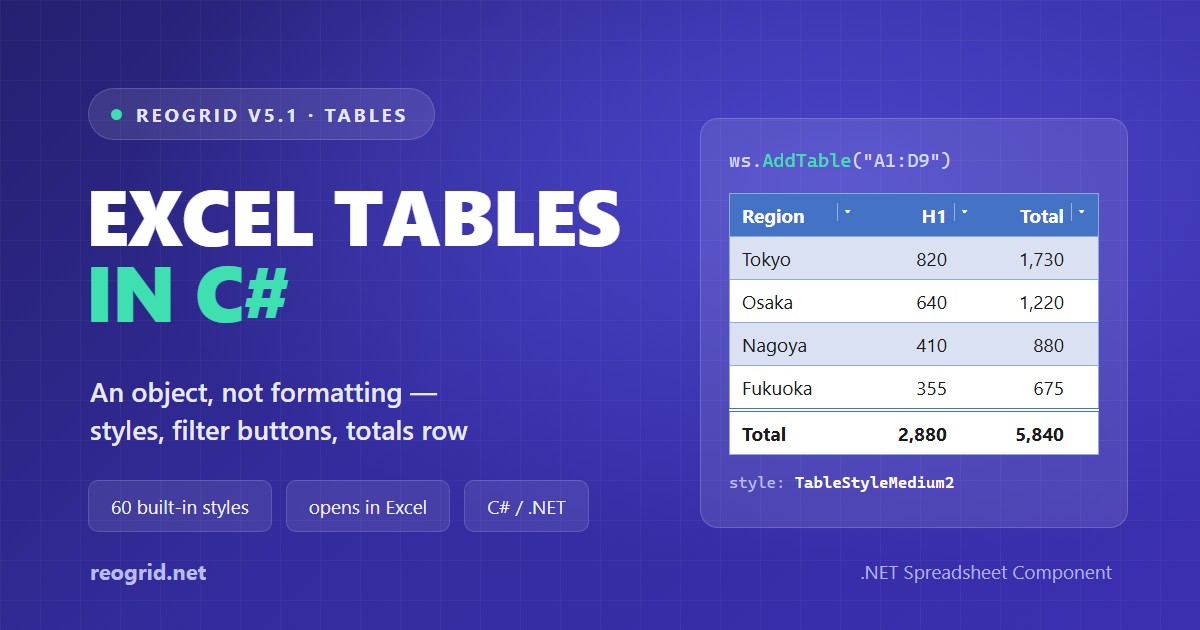
Excel Tables in C# — What "Format as Table" Actually Saves, and How to Create One
Excel's "Format as Table" looks like formatting — a coloured header, striped rows — yet not one cell in the saved file carries a fill. What Excel stores is an object: a range, a header row and a style name. This guide opens up the table part of an .xlsx, explains what the 60 built-in styles really contain, and names the three details that decide whether Excel will open the file at all — then builds a table with filter buttons and a totals row in C# with ReoGrid V5.1.
-
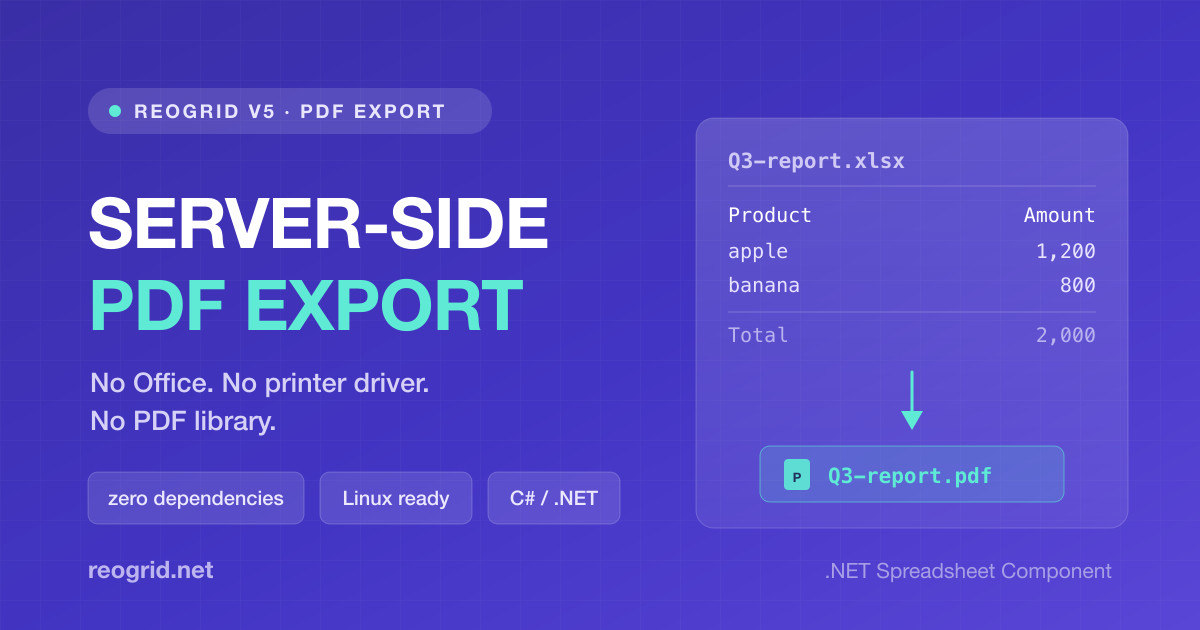
Spreadsheet to PDF in C# — No Office, No Printer Driver, No PDF Library
"Email them the report as a PDF" is a one-line requirement that turns into a week. Office Interop is unsupported in a service, the Print to PDF driver needs a spooler, headless Chromium is a browser in your image, and a PDF library means re-laying-out the table by hand. ReoGrid V5 exports PDF from the same renderer that paints the grid — zero package dependencies, no System.Drawing, and it runs in a Linux container with a Japanese font already embedded.
-
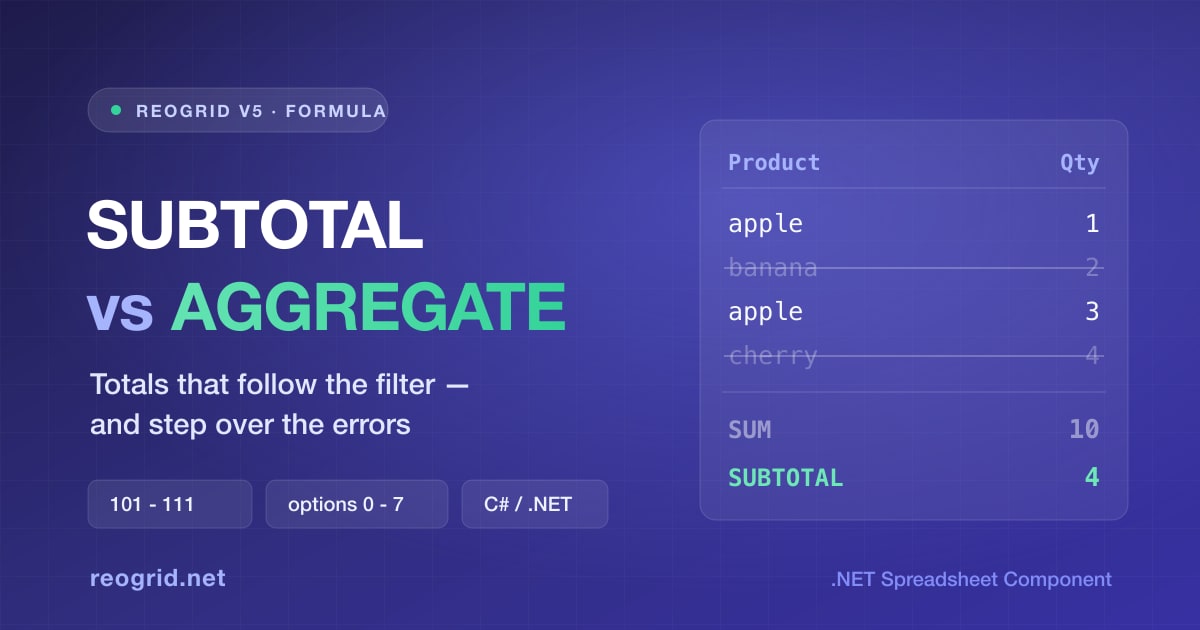
SUBTOTAL vs AGGREGATE — The Totals That Follow the Filter, and When to Use Each
A plain SUM counts rows the filter just hid, which is why a filtered list so often shows a total nobody asked for. SUBTOTAL is the Excel answer, and AGGREGATE is its superset — it can also step over the one
-

Building an Input Sheet Users Can't Break — Data Validation, Cell Notes, and Sheet Protection in ReoGrid V5
The moment you put a grid on screen, someone deletes a formula and types "12,000 USD" into a price column. ReoGrid V5 ships the three Excel tools that stop that — data validation, cell notes, and sheet protection — and they do genuinely different jobs. We build a quotation template in C# and cover the Excel-compatible gotchas along the way — paste is never validated, the password is not encryption, and two permission flags default the other way.
-

When Your Nested IFs Go Three Levels Deep, Switch to IFS — Sorting Out IF / AND / OR / IFERROR
Pass/fail checks, letter grades, achievement-rate rankings — business spreadsheets are full of conditional logic. Everyone's first tool is IF, but once the nesting gets deep the parentheses become unreadable. This guide sorts out IFS for flattening nested IFs, AND / OR for combining conditions, and IFERROR for turning errors into sensible defaults — then shows how ReoGrid (IFS / IFERROR supported since V4.5) runs the same formulas inside a WinForms / WPF app, no Office required.
-

Split Full Names, Parse Codes, Join Columns — Text Manipulation with LEFT, MID, FIND, SUBSTITUTE and TEXTJOIN in C#
Splitting full names into first and last, pulling the domain out of an email address, breaking a product code apart at the hyphens — string cleanup is one line of C# with Split, but if users need to see and fix the results on screen, spreadsheet formulas are the better tool. This guide covers the workhorse recipes built from LEFT, MID, FIND, SUBSTITUTE, and TEXTJOIN, the classic traps (stray spaces, the missing SEARCH function), and how ReoGrid (supported in V4.5) runs the same formulas inside a WinForms / WPF app — no Office required.
-

EDATE, EOMONTH, WORKDAY, NETWORKDAYS — Business Date Calculations with Spreadsheet Formulas in C#
"Due at the end of next month," "ship within 5 business days," "remind 3 business days before the deadline" — business apps are full of date rules that are surprisingly fiddly to hand-code with DateTime. Excel solved them long ago with EDATE, EOMONTH, WORKDAY, and NETWORKDAYS. This guide sorts out what each one does, the classic off-by-one traps, and how ReoGrid (supported in V4.5) runs the same formulas inside a WinForms / WPF app — no Office required.
-

MATCH vs XMATCH — The Lookup Functions That Return a Position, and When to Use Each
MATCH and XMATCH both return "where a value sits (its position)" rather than the value itself. They differ in their default match mode, reverse search, and wildcard handling. This guide sorts out the differences with examples, shows how to combine them with INDEX to pull values more flexibly than VLOOKUP, and demonstrates how ReoGrid (supported in V4.5) runs the same formulas inside a WinForms / WPF app — no Office required.
-

VLOOKUP vs HLOOKUP vs XLOOKUP — Knowing the Difference and Using Them in a C# Spreadsheet
VLOOKUP, HLOOKUP, and XLOOKUP look alike, but they differ in which direction they search, how you point at the value to return, and what happens when nothing is found. This guide sorts out the differences with tables and examples, shows why XLOOKUP fixes VLOOKUP's weak spots, and demonstrates how ReoGrid (supported in V4.5) runs the very same formulas inside a WinForms / WPF app — no Office required.
-
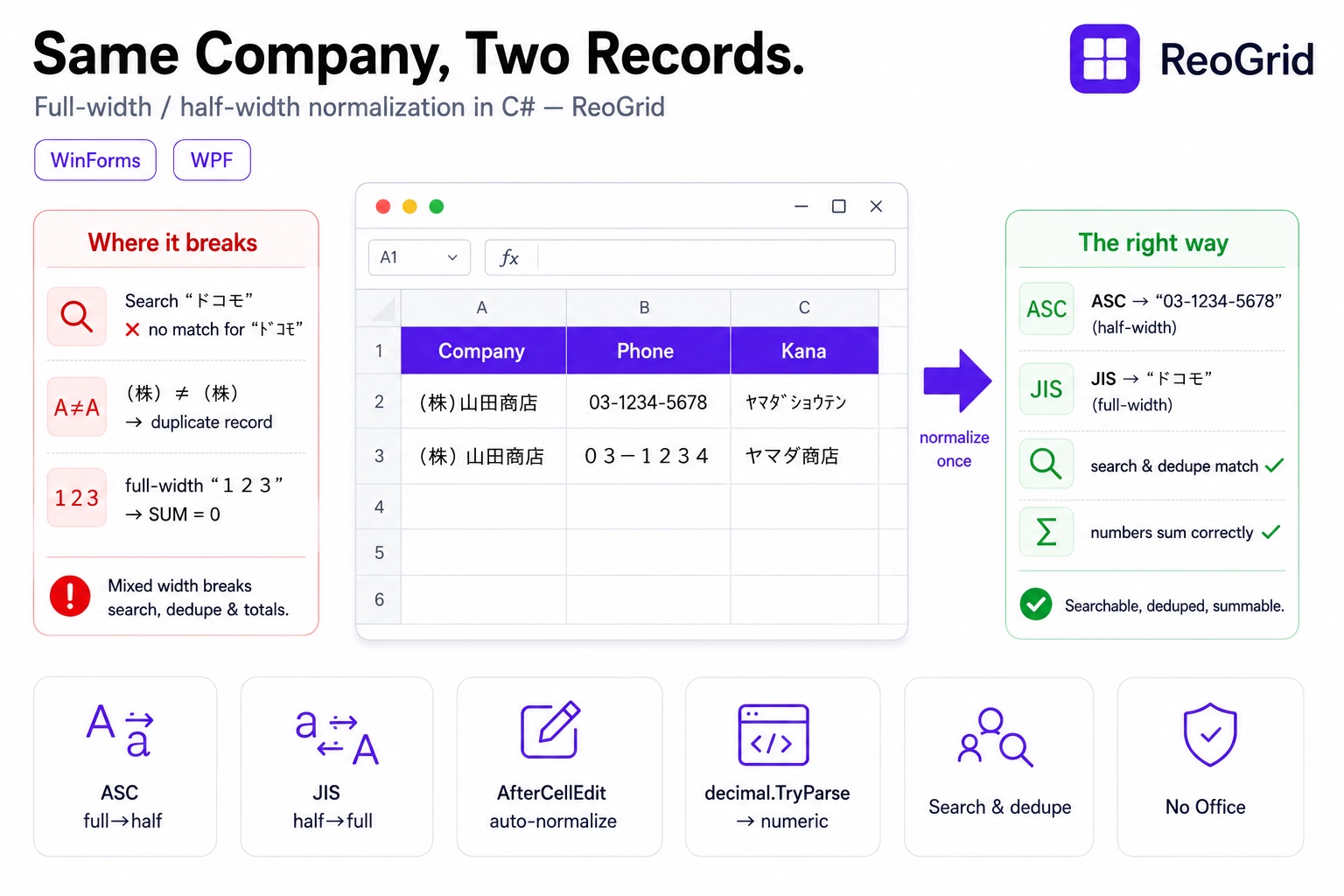
When Search and Deduplication Quietly Fail on Japanese Data — Normalizing Full-Width / Half-Width Text in a C# App
An address in half-width kana, a phone number in full-width digits, the same company filed twice as "(株)" and "(株)" — Japanese input data mixes full-width and half-width characters, and as-is, search, deduplication, and totals all silently break. With ReoGrid you can bulk-convert using the Excel-compatible JIS / ASC functions, and auto-normalize on entry via AfterCellEdit. Build business data in C# that doesn't break on width inconsistency.
-
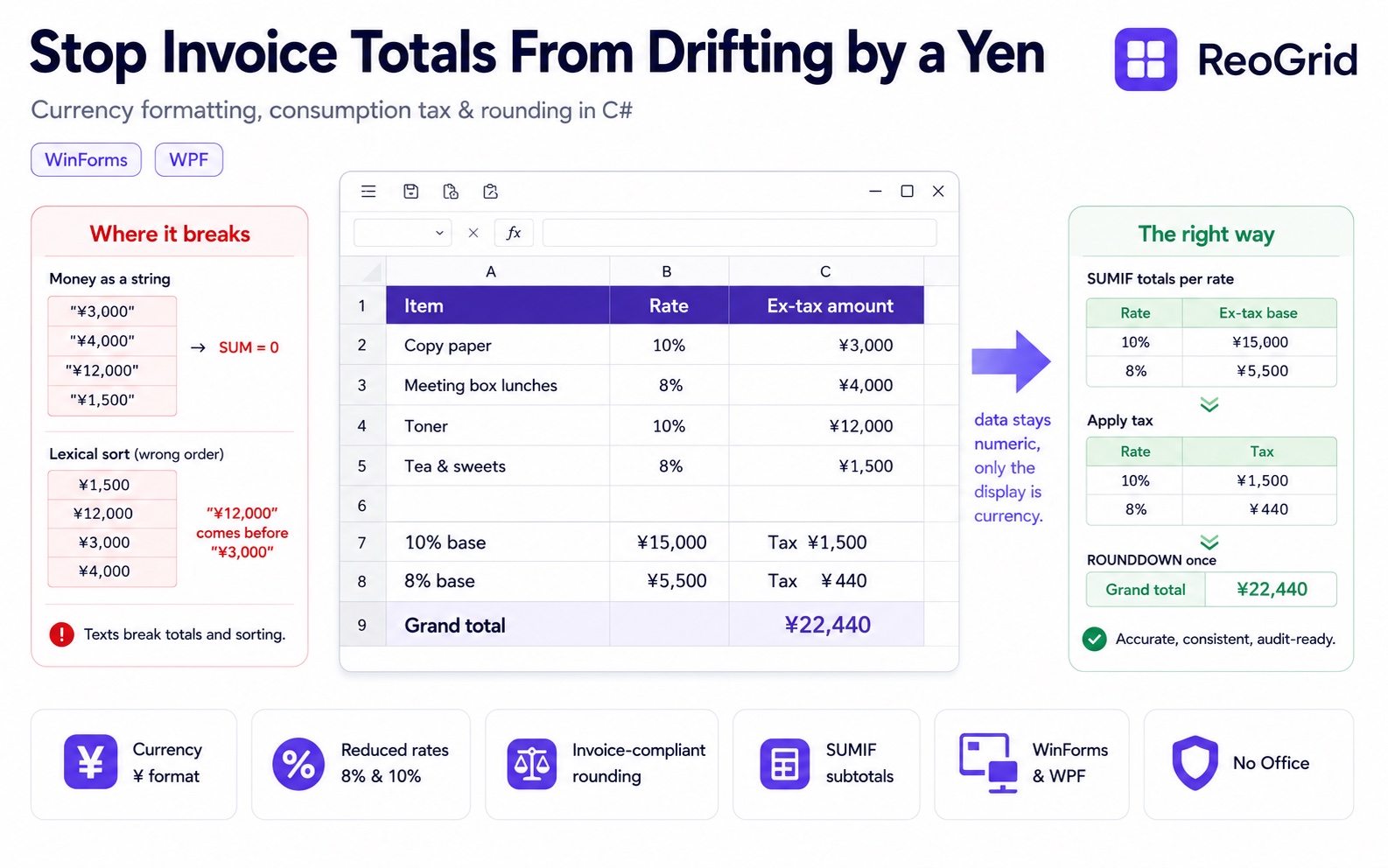
Stop Invoice Totals From Drifting by a Yen — Currency Formatting, Consumption Tax, and Rounding in C# with ReoGrid
Hold money in a double and you get rounding error; turn it into a string and totals and sorting break; round consumption tax in the wrong place and your invoice is off by a yen. Money breaks in business apps for predictable reasons. With ReoGrid, cell data stays numeric while it displays as ¥1,234,567 — and reduced-rate (8%/10%) subtotals and invoice-compliant rounding are just formulas.
-
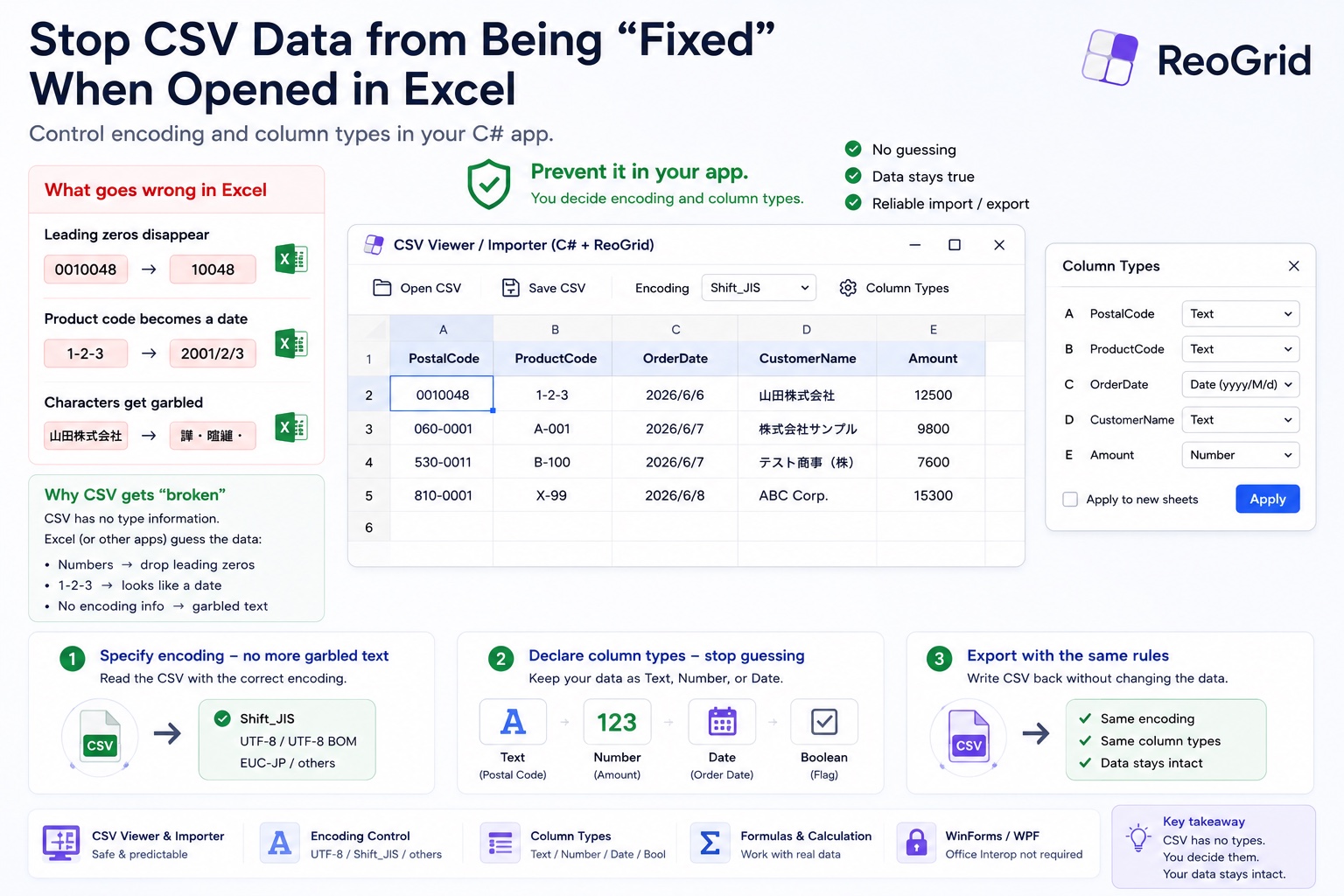
Stop CSV Data From Being 'Fixed' When Opened in Excel — Control Encoding and Column Types in Your C# App
ZIP code 01950 becomes 1950, product code 1-2-3 becomes a date, and a UTF-8 file shows up as garbled text — CSV breaks because the file carries no type information and whatever opens it guesses. In your own app, you declare the encoding and the per-column types. Build a CSV viewer / importer in C# with ReoGrid that doesn't corrupt your data.
-
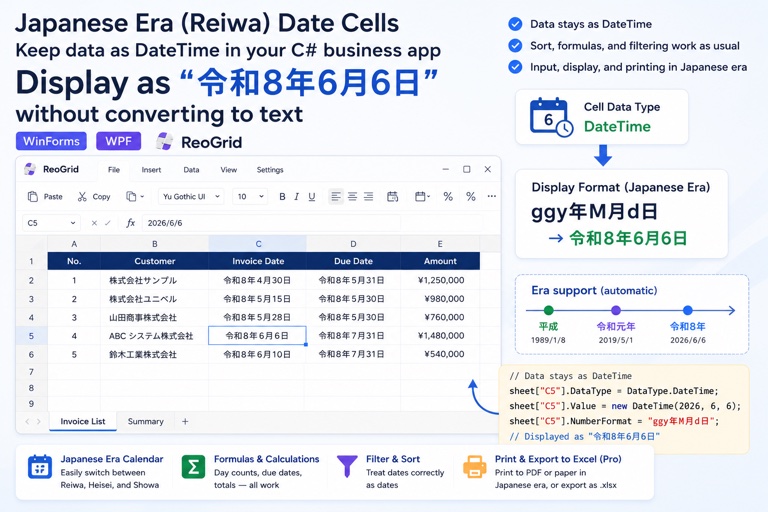
Japanese Era (Wareki) Date Cells in C# — Display 令和8年6月6日 While the Data Stays a DateTime
Invoices, contracts, birthdates — apps for the Japanese market must show dates in the era calendar (Reiwa, Heisei, Showa). Convert to strings and you break sorting and formulas. With ReoGrid, one format pattern shows wareki while every cell keeps a real DateTime.
-

Build a Receipt Generator in About 30 Lines of C# — Excel Template + ReoGrid
Don't lay out a receipt in code. Design it once in Excel, then let ReoGrid load the template, fill the blanks, save a copy, and print. A complete WinForms app in about 30 lines of C#.
-
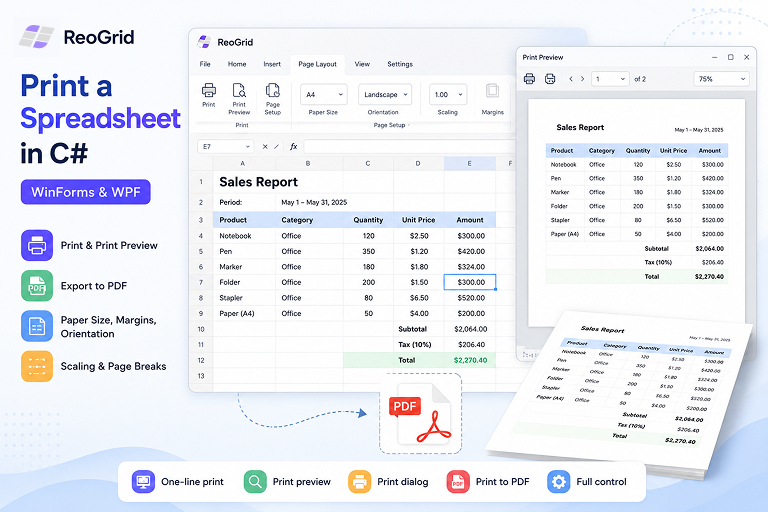
Printing a Spreadsheet in C# — Print, Preview, and PDF in WinForms and WPF
How to print a worksheet from a .NET desktop app — print preview, the system print dialog, printing straight to PDF, plus paper size, margins, orientation, scaling, and page breaks. Working C# code for WinForms and WPF.
-

Adding Custom Cells to a WinForms or WPF Spreadsheet — Progress Bars, Sliders, and Dropdowns with CellBody
How to use ReoGrid's CellBody API to build cells with custom rendering and interaction in WinForms and WPF apps. Practical C# examples including a progress bar, an interactive slider, and a status badge cell.
-
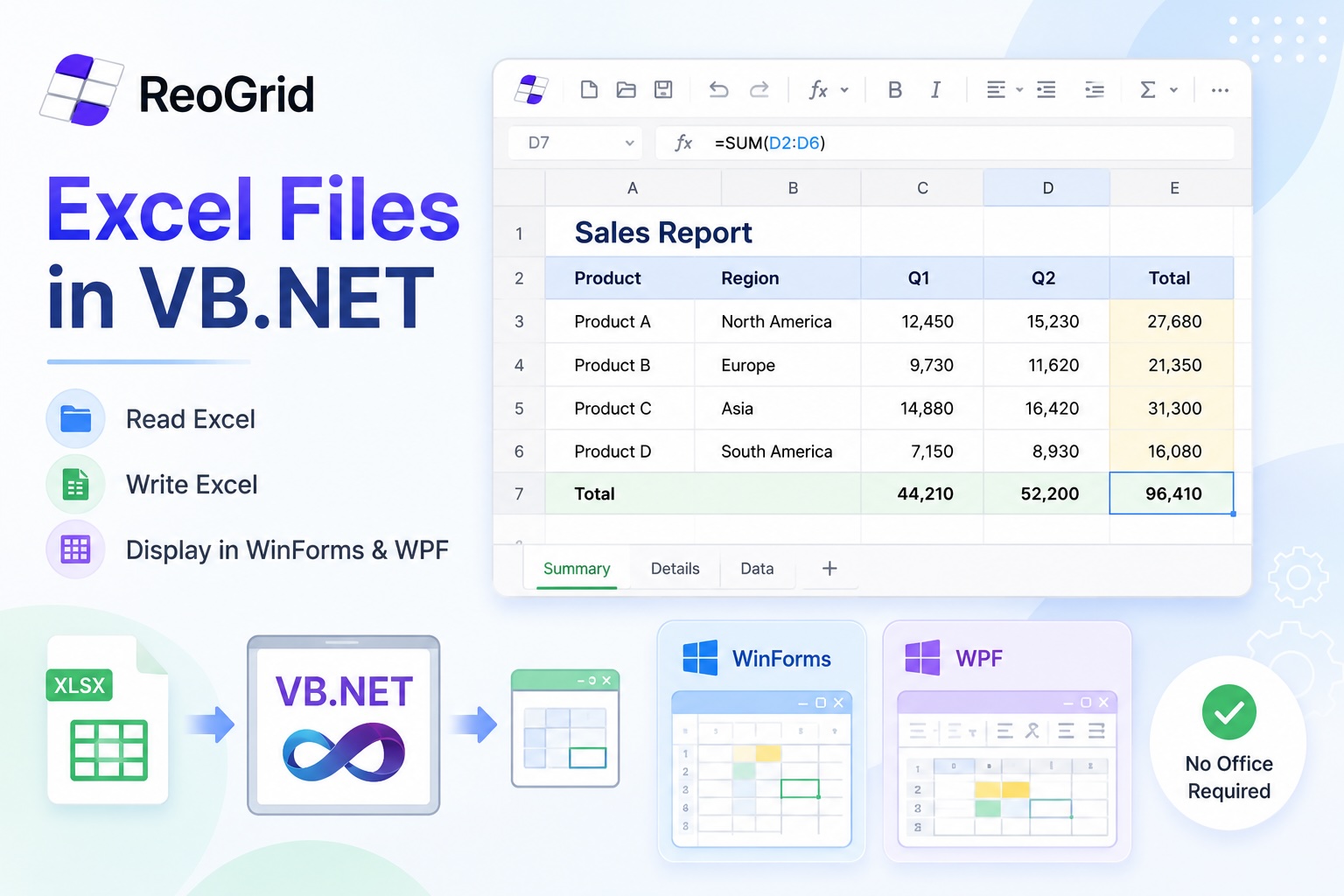
Reading, Writing, and Displaying Excel Files in VB.NET
A practical guide to working with .xlsx files in VB.NET — reading data, generating reports, and embedding a live spreadsheet viewer inside a WinForms or WPF desktop app. No Office required.
-
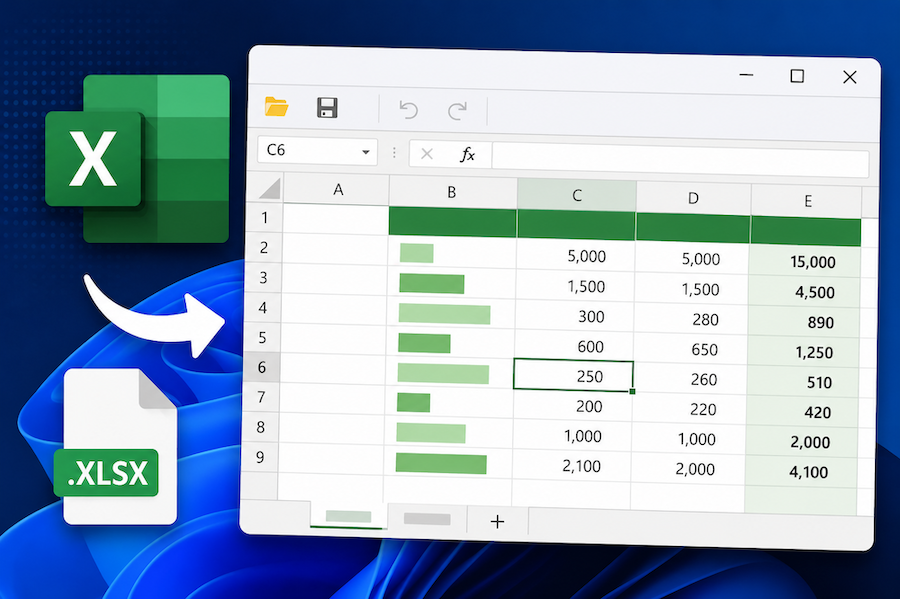
Display and Edit an Excel File in a WinForms or WPF App with C#
How to embed a working Excel viewer inside a .NET desktop app — load .xlsx, let users edit cells and formulas, save back to disk. Minimal WinForms and WPF examples in C#.
-
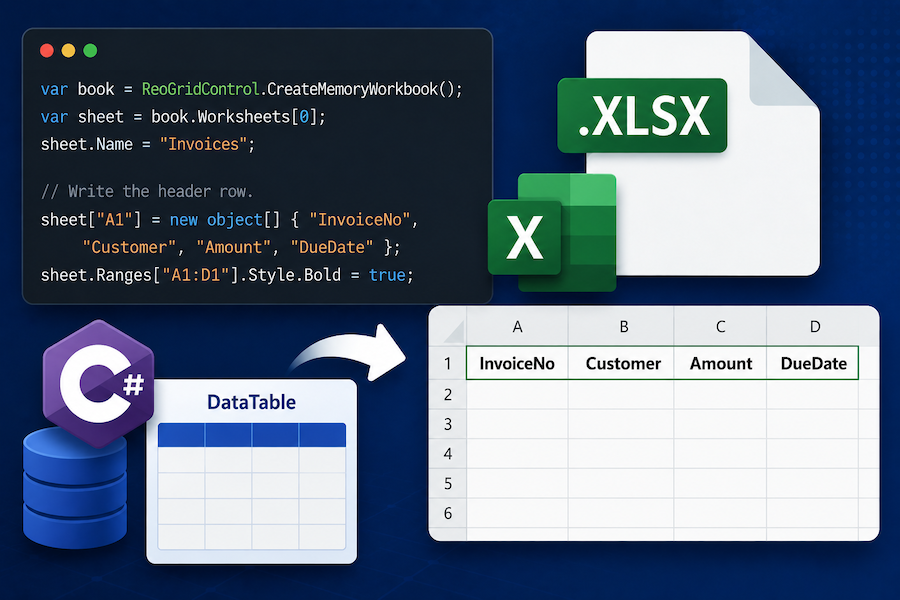
Export a DataTable to Excel (.xlsx) in C# Without Office Interop
How to write a DataTable out as a real .xlsx file from C# — headers, formats, multiple sheets, and the ASP.NET Core download pattern. Side-by-side examples with ClosedXML, EPPlus, and ReoGrid.
-
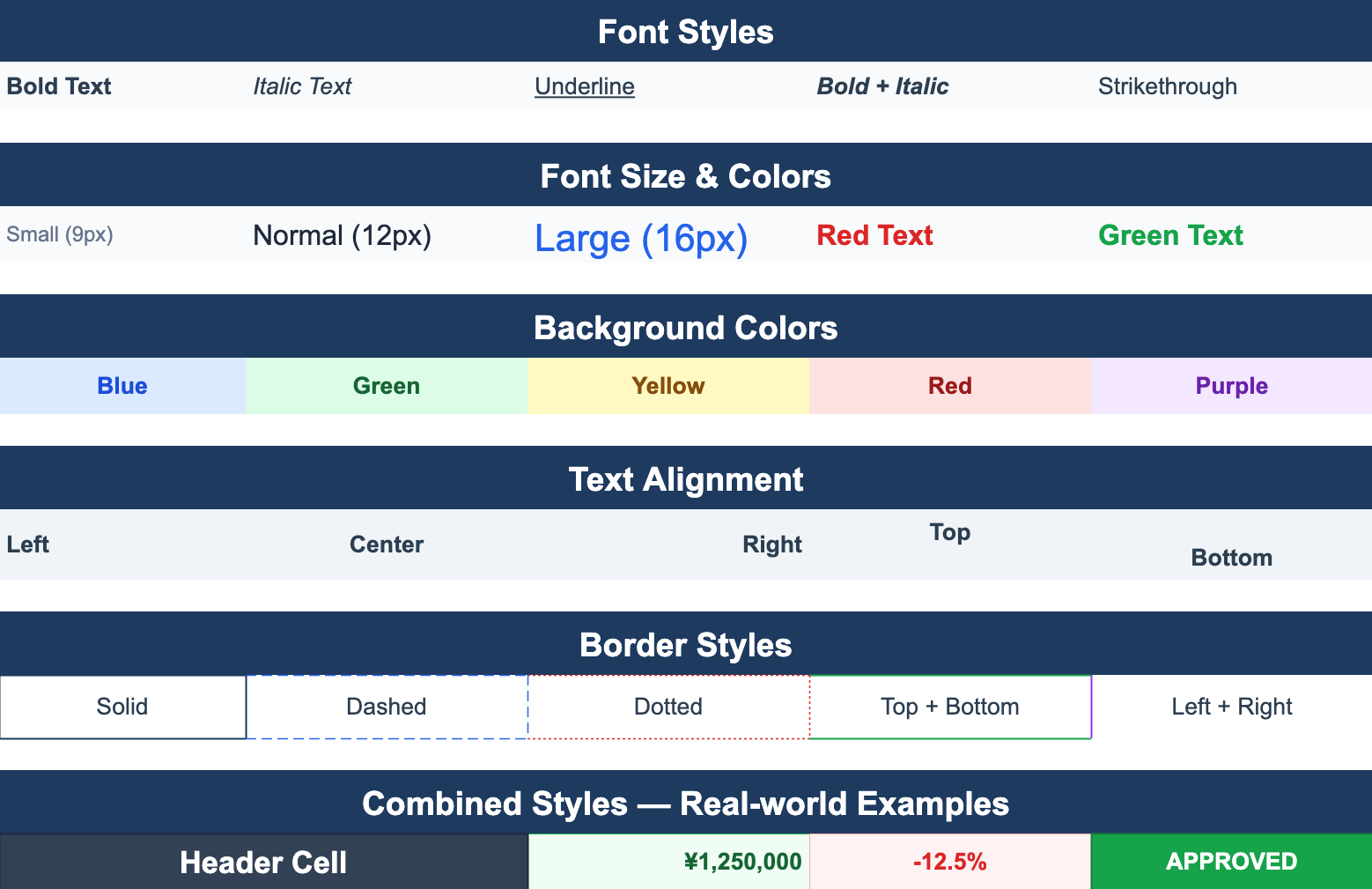
Excel-Style Conditional Formatting in .NET Applications
How to add conditional formatting — color highlights, data bars, icon sets — to a .NET WinForms or WPF spreadsheet. Covers the rule model, performance pitfalls when applied to large ranges, and patterns that round-trip cleanly to Excel.
-
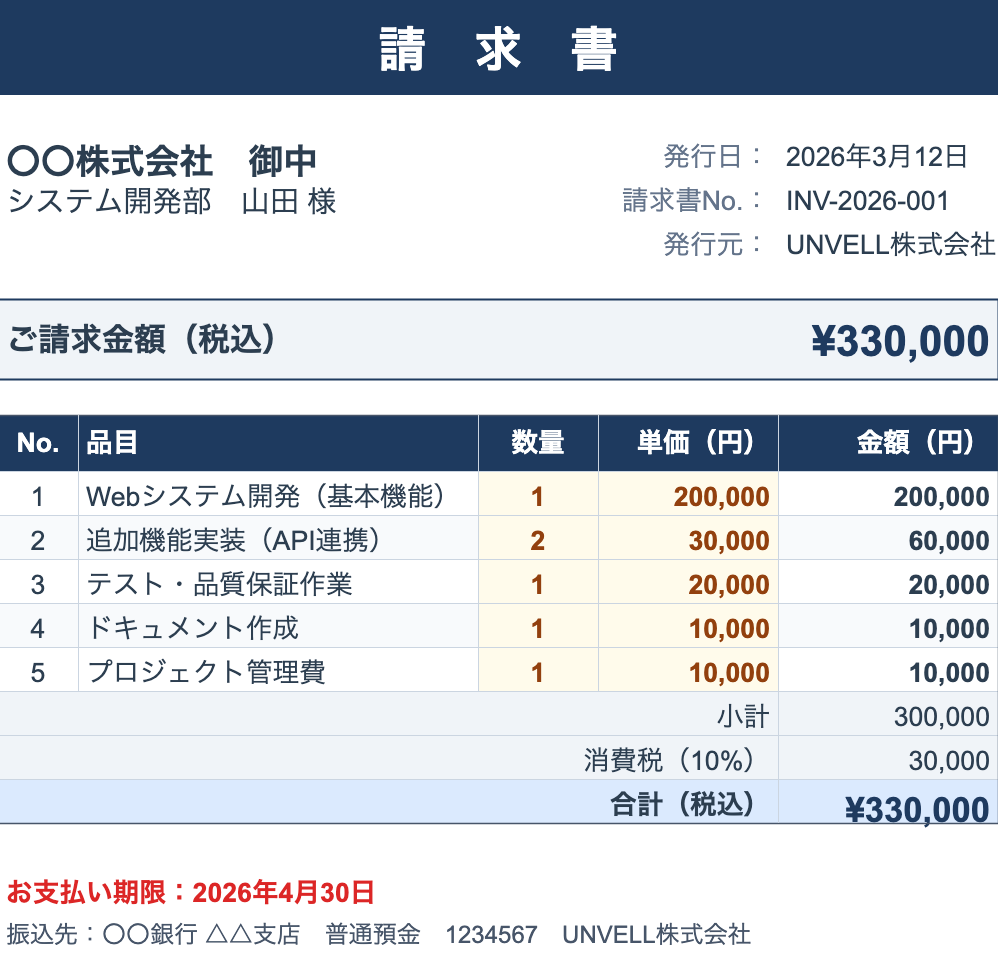
Reading and Writing Excel Files in C# Without Office Interop
A practical guide to handling .xlsx files from C# without installing Microsoft Office. Compares the main approaches — OpenXML SDK, ClosedXML, EPPlus, NPOI, and ReoGrid — and shows working code for the common cases.