
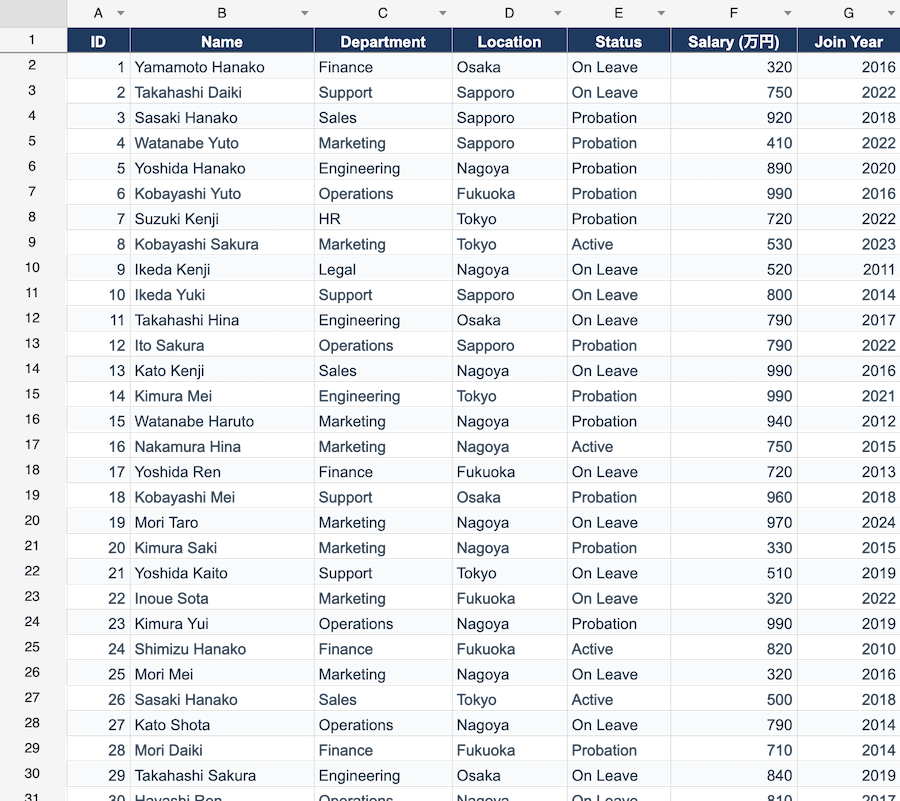
Every line-of-business desktop app eventually needs a grid. And every team eventually hits the moment where the built-in grid is no longer enough — usually when a customer says something like “can we make this work like Excel?”
This article is for the moment just before that. We’ll look at the four main families of editable grids in the .NET desktop world, what each is actually good at, and the signals that tell you it is time to graduate from one to the next.
The four families
| Family | Examples | Strengths | Limits |
|---|---|---|---|
| Built-in DataGridView | System.Windows.Forms.DataGridView | Free, ships with .NET, well documented | Single sheet, no formulas, slow past ~10k rows, dated cell types |
| Built-in WPF DataGrid | System.Windows.Controls.DataGrid | MVVM-friendly, virtualized scrolling | Same conceptual scope as DataGridView |
| Premium third-party grids | Telerik, DevExpress, Syncfusion grids | Polished look, advanced filtering/grouping | Still a “data grid” — not a spreadsheet |
| Spreadsheet components | ReoGrid, Spread.NET, Aspose.Cells | Multi-sheet, formulas, merged cells, Excel I/O | More API surface to learn |
The mistake most teams make is staying in the first family for too long, then jumping straight to a premium data grid — and being surprised that it still doesn’t do formulas, merged cells, or .xlsx round-tripping.
What “editable grid” usually means
Before picking a control it helps to be honest about what you actually need. Most desktop grids fall into one of three buckets:
- A list of records — one row per business object, columns are properties, edits update a single record. Phonebook, inventory list, user management.
- A tabular editor — like (1) but the workflow is closer to “fill in this table.” Bulk price updates, manual data entry, parameter sheets.
- A worksheet — multiple sheets, formulas referencing other cells, cross-sheet totals, merged headers, conditional formatting. Quotations, financial models, lab reports.
DataGridView and WPF DataGrid are excellent at (1). They are passable at (2). They are the wrong abstraction for (3).
Signals that DataGridView isn’t enough
- A user asks for a formula in a column (“=B2*C2”)
- You need to merge cells in a header row
- The data has multiple sheets that reference each other
- You have to import or export
.xlsxwhile preserving formatting - Performance gets bad past ~10,000 rows even with virtualization
- You find yourself manually drawing custom cell content for half the columns
If you tick three or more, you have outgrown a data grid and want a spreadsheet.
What changes when you switch to a spreadsheet component
The mental model is different. With DataGridView you bind a list of objects and the grid renders them. With a spreadsheet, the cells are the source of truth — you write to sheet["B2"] = 12 and the grid is already showing it.
// DataGridView — model first
var products = repository.GetProducts();
dataGridView1.DataSource = products;

// ReoGrid — cells first
var sheet = reoGridControl1.CurrentWorksheet;
sheet["A1"] = "Product";  sheet["B1"] = "Units";  sheet["C1"] = "Price";
sheet["A2"] = "Widget";   sheet["B2"] = 12;       sheet["C2"] = 9.99;
sheet["D2"] = "=B2*C2";   // recalculates whenever B2 or C2 changes
That cell-first model is what unlocks formulas, undo/redo at the cell level, and direct round-tripping to and from Excel. You can still bind to a DataTable if you want — Worksheet.DataSource exists — but the grid never stops being a real spreadsheet underneath.
What you give up
It is fair to call out the trade-offs:
- More API surface. A spreadsheet has rows, columns, ranges, sheets, styles, formulas, conditional formatting, charts. That’s a lot of API compared to “set DataSource and column properties.”
- Different binding story. Two-way binding to a
BindingList<T>in a spreadsheet is possible but not as automatic as inDataGridView. You usually wire change events explicitly. - License cost. Commercial spreadsheet components have a price tag. Calculate that against the engineering hours you save not implementing formula evaluation, conditional formatting, and
.xlsxI/O yourself.
For a screen that just shows “list of customers, edit one row at a time,” a spreadsheet is overkill. For a screen that shows “this quarter’s quotation worksheet, formulas and merged headers and all,” it pays for itself in a day.
A short decision tree
- Single sheet, mostly read, fewer than 5k rows? → built-in
DataGridView/ WPFDataGridis fine. - Lots of filtering, grouping, frozen columns; still a list? → premium third-party data grid.
- Users say “like Excel” or you import/export
.xlsx? → spreadsheet component. - Server-side report generation only, no UI? → not a grid question — see Reading and Writing Excel Files in C#.
The cheapest mistake is to start with the simplest answer and switch when the requirements actually demand it. The expensive mistake is to spend three months gluing formulas into a DataGridView.