
Tag: #wpf
6 articles
-
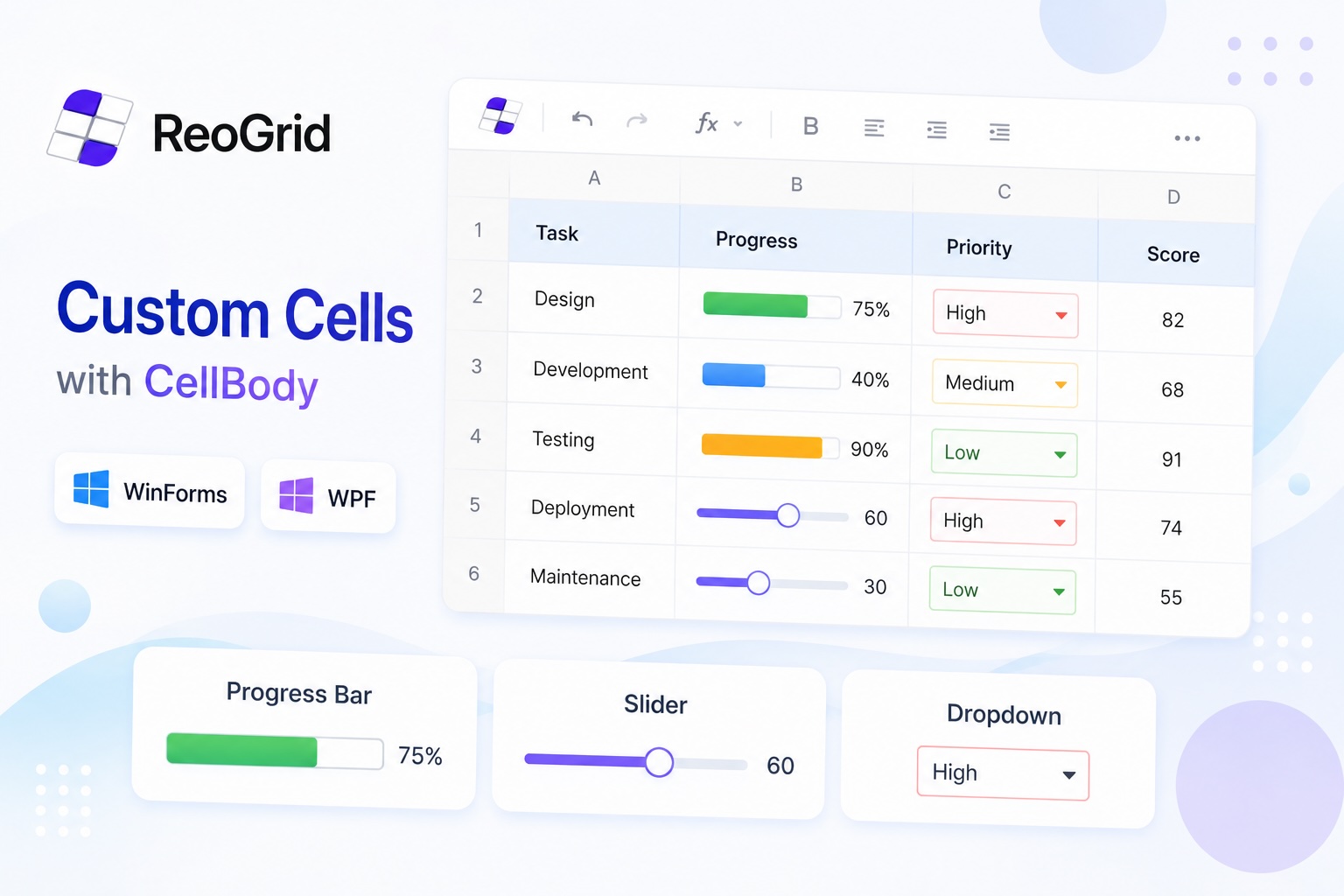
Adding Custom Cells to a WinForms or WPF Spreadsheet — Progress Bars, Sliders, and Dropdowns with CellBody
How to use ReoGrid's CellBody API to build cells with custom rendering and interaction in WinForms and WPF apps. Practical C# examples including a progress bar, an interactive slider, and a status badge cell.
-
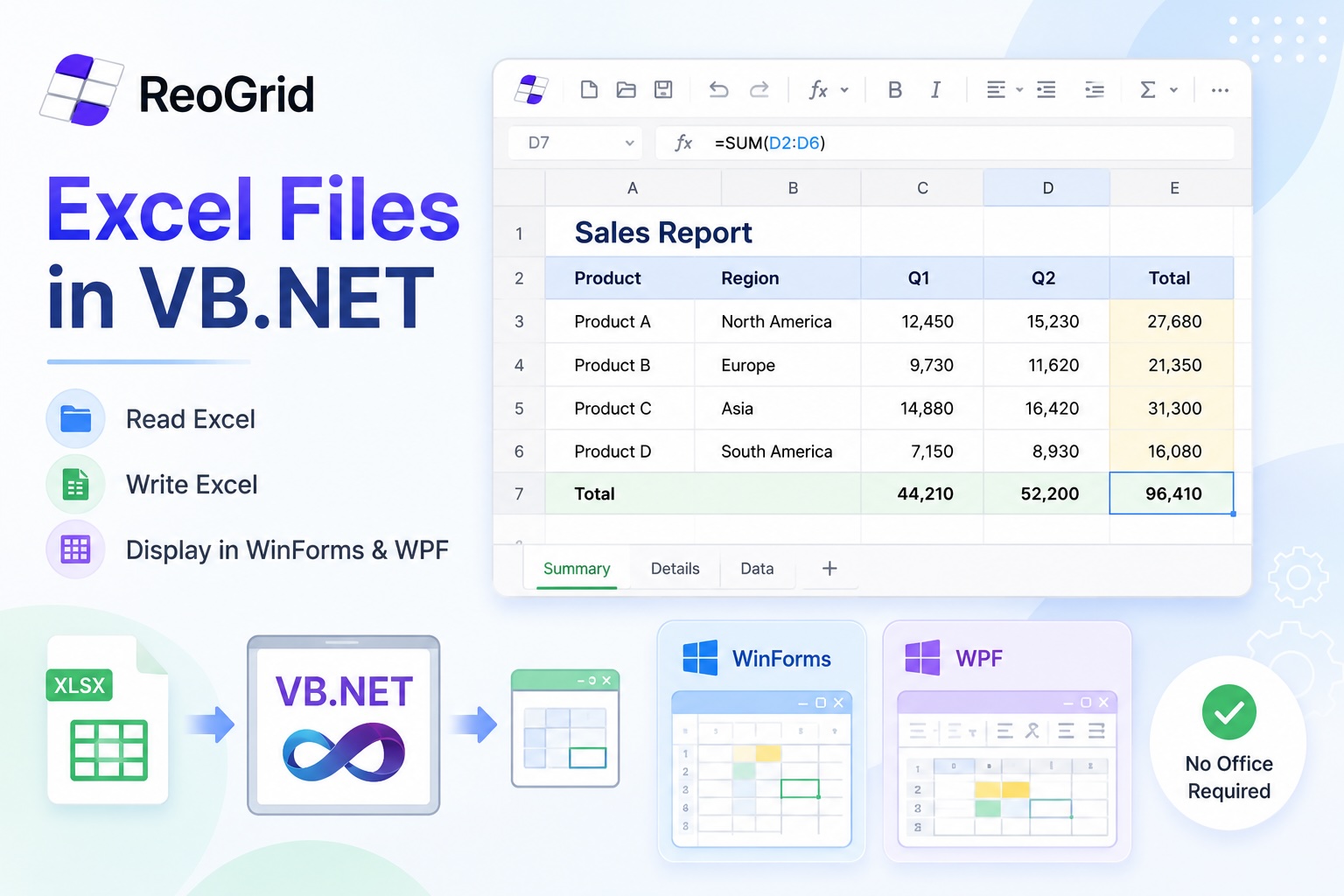
Reading, Writing, and Displaying Excel Files in VB.NET
A practical guide to working with .xlsx files in VB.NET — reading data, generating reports, and embedding a live spreadsheet viewer inside a WinForms or WPF desktop app. No Office required.
-
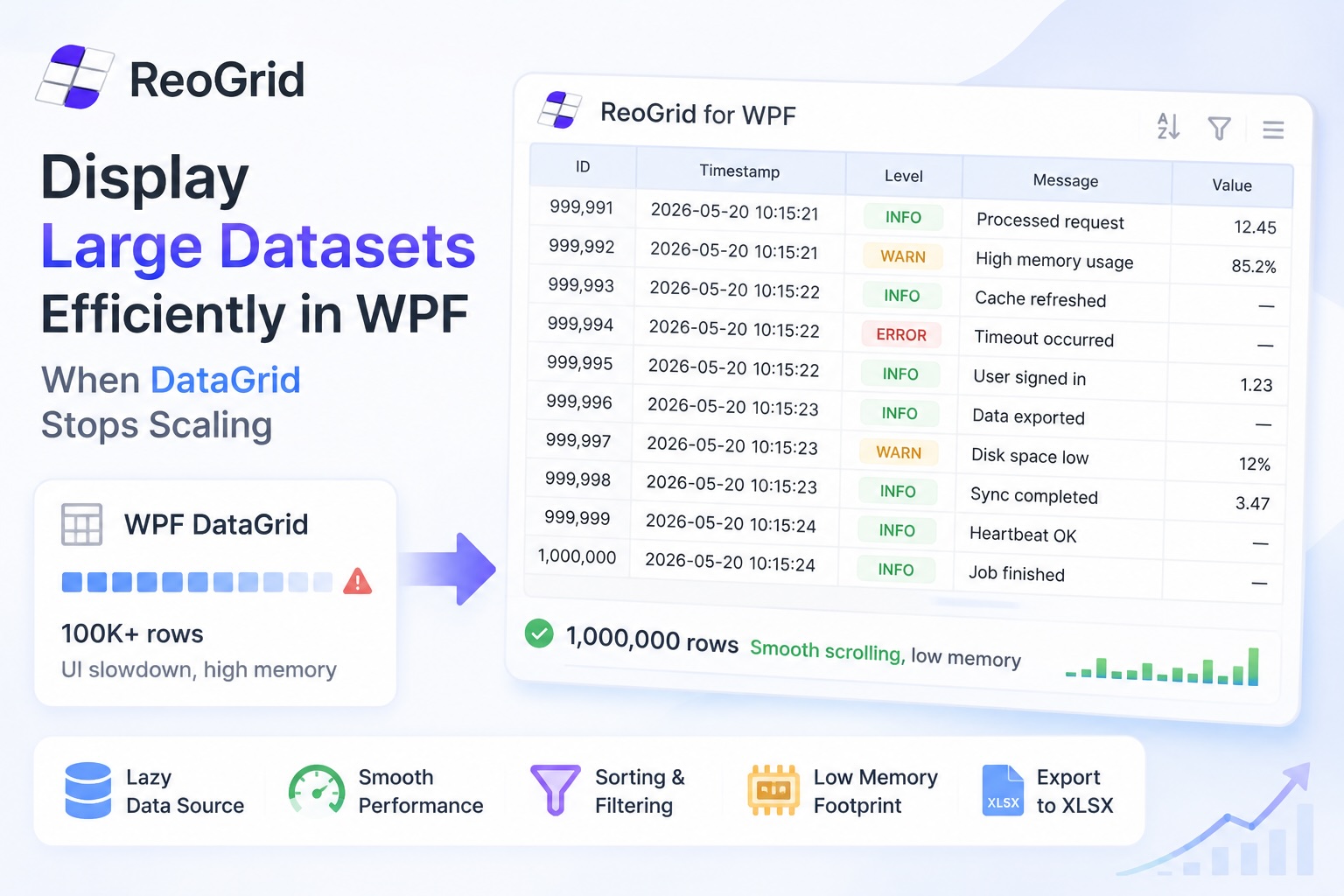
Displaying Large Datasets Efficiently in WPF — When DataGrid Stops Scaling
WPF DataGrid is virtualized out of the box, but virtualization isn't the same as "fast." This article walks through where DataGrid stalls on 100k+ rows, how far tuning gets you, and the lazy-data-source pattern that handles a million rows without freezing the UI.
-
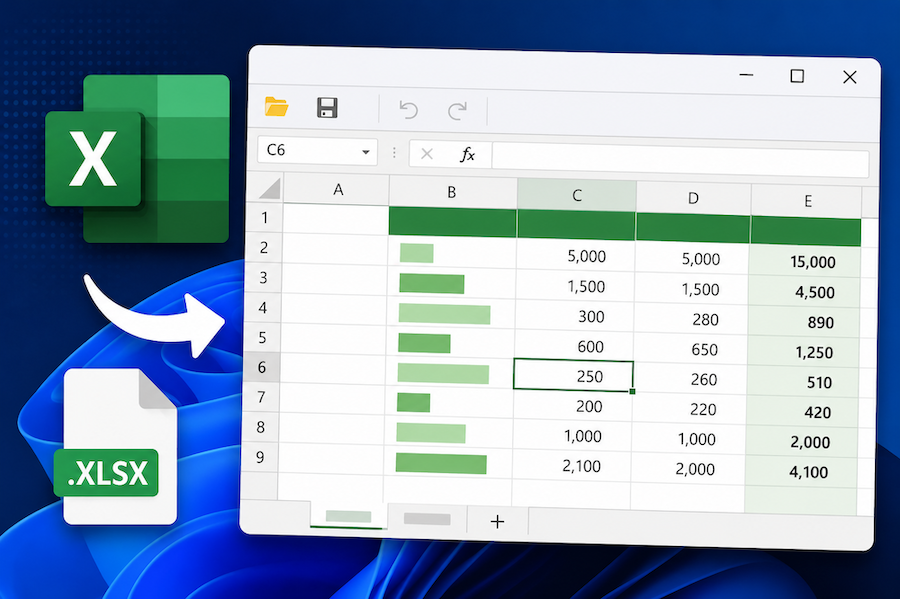
Display and Edit an Excel File in a WinForms or WPF App with C#
How to embed a working Excel viewer inside a .NET desktop app — load .xlsx, let users edit cells and formulas, save back to disk. Minimal WinForms and WPF examples in C#.
-
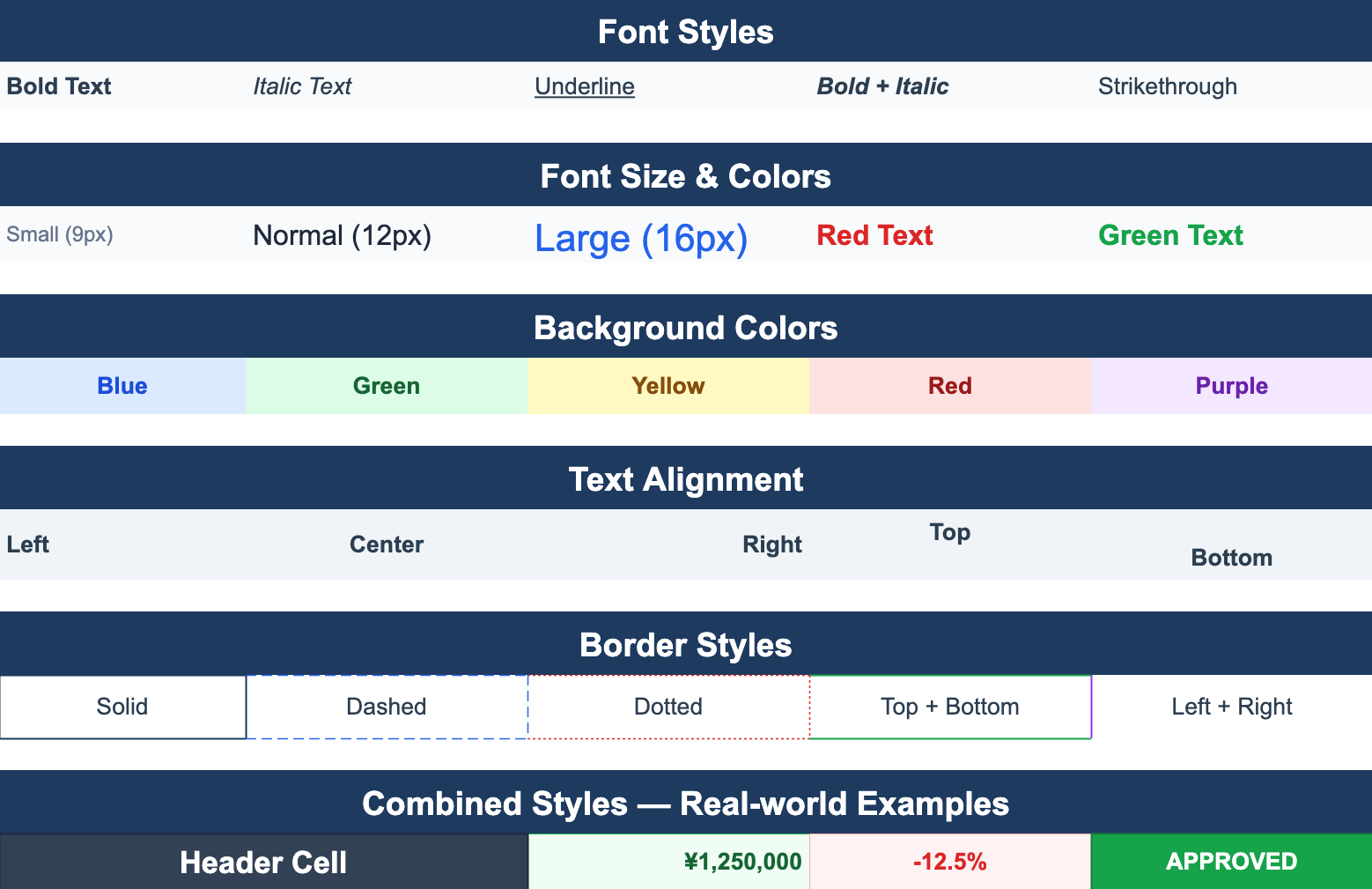
Excel-Style Conditional Formatting in .NET Applications
How to add conditional formatting — color highlights, data bars, icon sets — to a .NET WinForms or WPF spreadsheet. Covers the rule model, performance pitfalls when applied to large ranges, and patterns that round-trip cleanly to Excel.
-
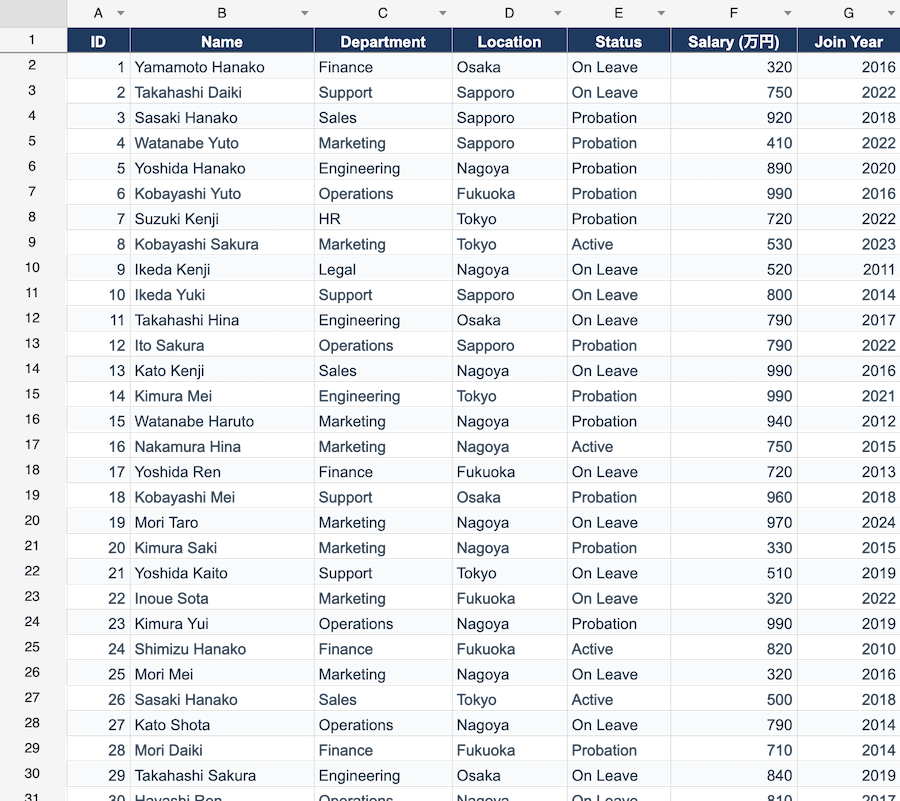
Choosing the Right Editable Grid for WinForms and WPF Apps
A pragmatic guide to picking a data grid for desktop .NET apps. Compares DataGridView, WPF DataGrid, third-party grids, and full spreadsheet components — and explains which problems each one is actually built to solve.