
ReoGrid V5 Is Coming — A Next-Generation Rebuild, and a New Licensing Model from August 19, 2026

· unvell team
ReoGrid V5 Is Coming — A Next-Generation Rebuild, and a New Licensing Model from August 19, 2026

We are preparing ReoGrid V5, the next generation of our .NET spreadsheet component — and, alongside it, a new licensing and pricing model that takes effect on August 19, 2026.

Update — August 19, 2026: V5 is out, and everything below is now published. See what’s new in V5 for the release itself, pricing for the ReoGrid One licensing model, running V4 and V5 side by side for what a single license covers, and the migration guide for moving an existing project across.


ReoGrid V5 — rebuilt from the core

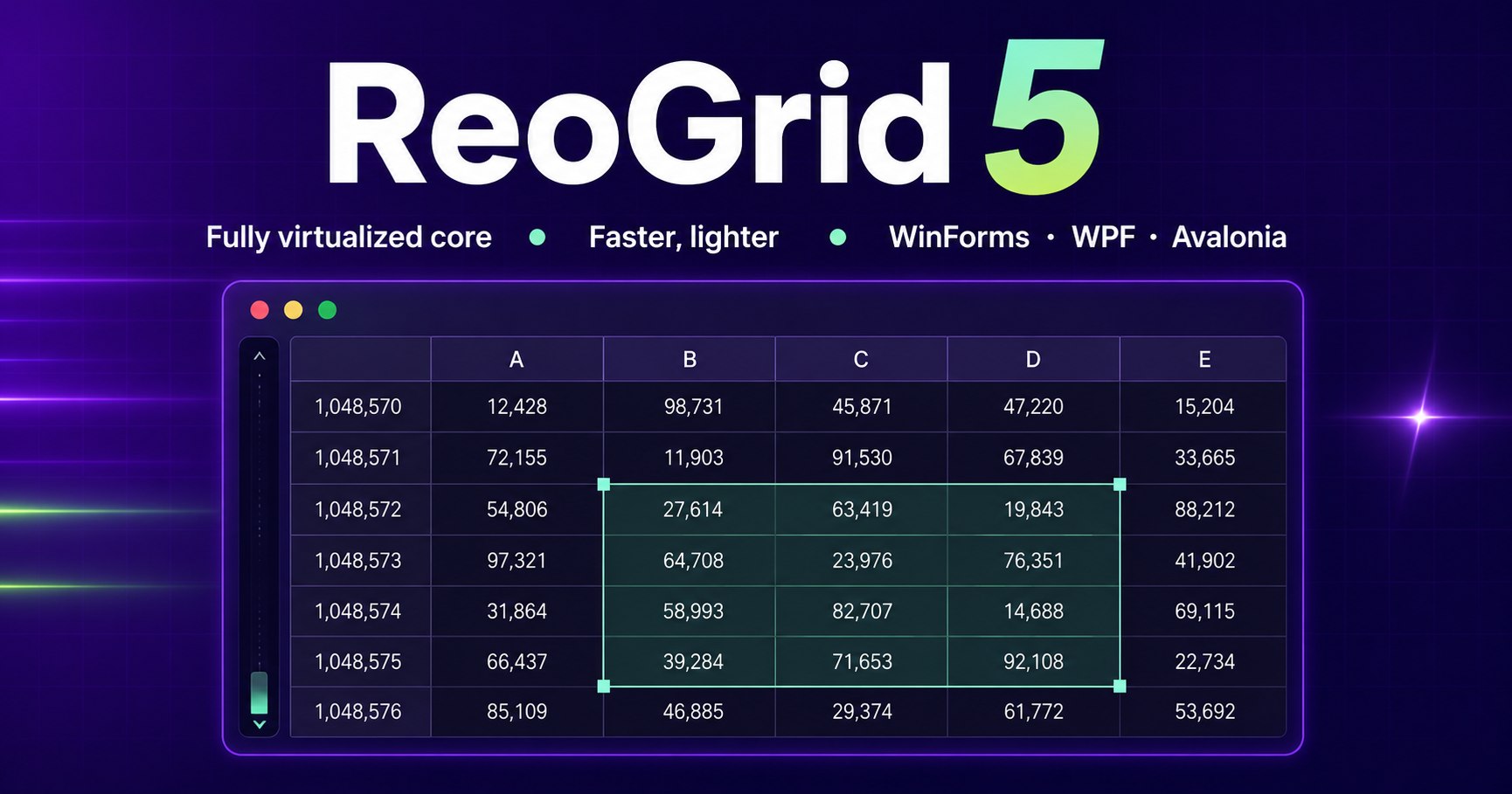
V5 is an entirely new generation. The core has been rebuilt around a fully virtualized architecture that works with only the data actually needed.

What that means in practice:

  • Faster in both WinForms and WPF. The speed-up is in the engine both platforms share, so both benefit equally.
  • Substantially lower memory use, particularly with large workbooks — the workloads where the old architecture cost the most.
  • A new platform: Avalonia. In addition to WinForms and WPF, V5 introduces support for Avalonia, bringing ReoGrid to cross-platform .NET desktop applications.

Both the migration guide and the V4 → V5 differences are published as part of the V5 documentation.

A new licensing model from August 19, 2026

Together with the V5 release, we are moving to a new licensing and pricing model on August 19, 2026.

That model is now live. The .NET editions are a single product line — ReoGrid One — sold as two SKUs, and a license is version-independent: one purchase covers both V4 and V5, with the same key. See pricing for the current figures and what each edition includes.

ReoGrid V4 will continue to be sold and supported. It stays available alongside V5, and the same license covers it — see running V4 and V5 side by side.

Questions?

If you are planning a purchase or a rollout around this timing and want to talk it through, we are happy to help.

Contact us →

Try ReoGrid in your own project

The Excel-compatible spreadsheet component for .NET WinForms and WPF. 30-day free trial — no credit card required.

Newsletter

New releases, straight to your inbox

Occasional updates on ReoGrid releases, features, and technical articles. Unsubscribe anytime.

Related articles

The World's First WinForms Spreadsheet That Draws on the GPU — ReoGrid One 5.2

ReoGrid One 5.2 gives its WinForms control a Direct2D renderer, making it the first WinForms spreadsheet component to draw with Direct2D on the GPU (our research, as of October 2026). One property turns it on, and a full repaint while scrolling drops from 3.6 ms with GDI+ to 1.0 ms. The same release makes each frame about 7× faster on WPF and up to 8× faster on Avalonia, and draws sheets with tens of thousands of merged cells about 16× faster. All of it measured.

Announcing ReoGrid 4.6 — PDF Export, a Rich-Text Cell Editor, and Better Printing

ReoGrid 4.6 exports worksheets straight to PDF, lets users format part of a cell's text while editing, prints Excel-style headers and footers, fits a sheet to a set number of pages, and reads and saves the page setup of XLSX files.

Excel Number Format Codes, Decoded — #,##0, [Red], ;;; and K/M Suffixes in a C# App

#,##0;[Red]-#,##0;"-" looks like line noise, but it is a small language — four sections, digit placeholders, colors, conditions and literal text — and once you can read it you can write the code you actually need. This guide decodes Excel's custom number formats: thousands and millions scaling, hiding values, units, [h]:mm for timesheets, and why three cells showing 33 can total 100. Then it applies the same codes in C# with ReoGrid V5, where a code copied out of Excel works as-is and survives the trip to XLSX.