
Images are positioned relative to cells and held by ws.Images (a SheetImageTable).
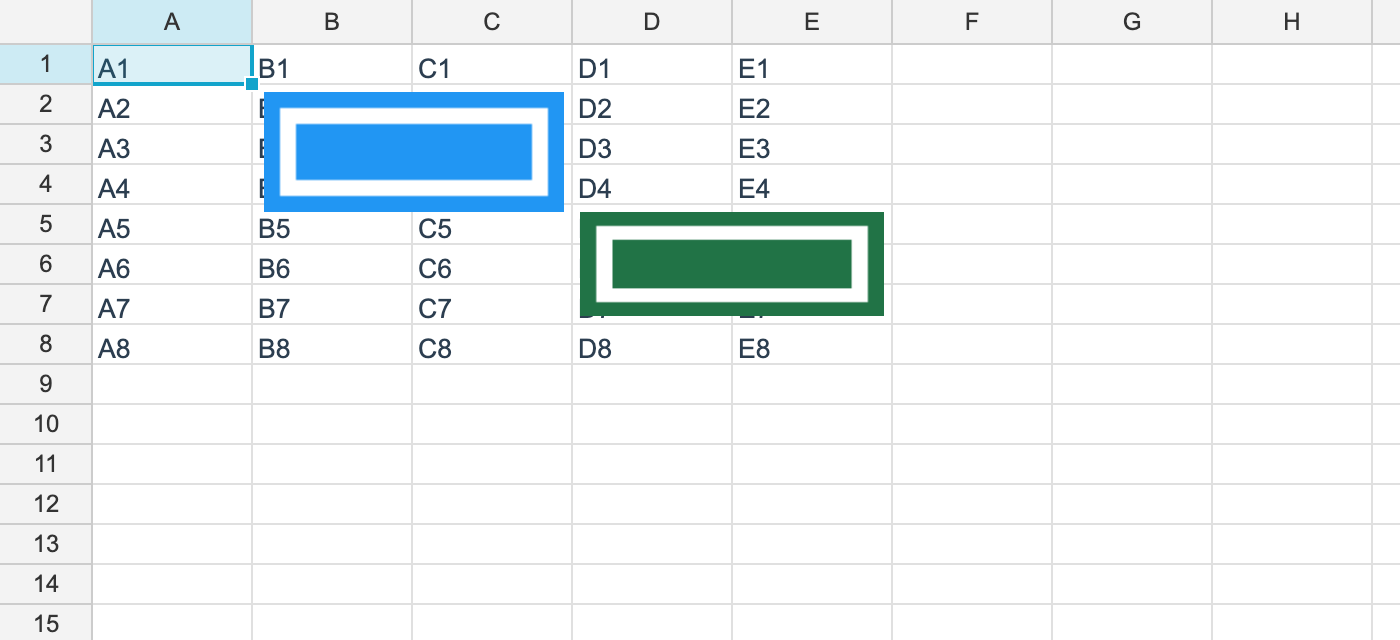
The namespace is unvell.ReoGrid.Core.Drawing.
Adding one
using unvell.ReoGrid.Core;
using unvell.ReoGrid.Core.Drawing;

var image = new SheetImage
{
	Id = ws.Images.NextId(),
	MimeType = "image/png",
	Data = File.ReadAllBytes("logo.png"),
	AnchorKind = ImageAnchorKind.OneCell,
	From = new ImageAnchor(Row: 1, Col: 1, OffsetX: 4, OffsetY: 4),
	Width = 160,
	Height = 48,
};

ws.Images.Add(image);
Image data is held in the sheet as bytes, not as a reference to an external file, so a file saved to XLSX is self-contained.
Anchor modes
// anchored to two cells - the image stretches as the rows and columns resize
ws.Images.Add(new SheetImage
{
	Id = ws.Images.NextId(),
	Data = File.ReadAllBytes("chart.png"),
	AnchorKind = ImageAnchorKind.TwoCell,
	From = new ImageAnchor(1, 1, 0, 0),
	To = new ImageAnchor(10, 6, 0, 0),
});| Mode | Behaviour |
|---|---|
OneCell | Only the top-left is anchored; the size is fixed by Width / Height |
TwoCell | Both corners are anchored; the image stretches as rows and columns resize |
An ImageAnchor carries a row and column plus an offset within the cell, in logical pixels.
Managing them
int count = ws.Images.Count;
bool any = ws.HasImages;

foreach (SheetImage img in ws.Images.Items)
	Console.WriteLine($"{img.Id} {img.MimeType} {img.FileExtension}");

ws.Images.Remove("image1");
ws.Images.Clear();
ws.HasImages answers without creating the table.
Supported formats
PNG and JPEG. Set MimeType to image/png or image/jpeg.
Where they are drawn
Everywhere — on screen (WinForms, WPF, Avalonia), in print, and in PDF export. Set
viewport.ShowImages = false to hide them (for an export, say).
PDF embeds the image as it is.
Following structural changes
Anchors follow row and column insertion and deletion automatically.
Persistence
Round-trips through XLSX. They are read and written as drawing parts, so Excel shows them in the same place. They are not saved to reogrid-json — when images have to survive, use XLSX.
Limitations
- Shapes and text boxes are not supported. Bitmap images are all there is today
- Rotating and cropping images are not supported