プログラムで列のセルタイプを設定
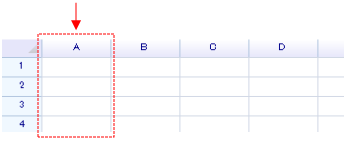
列全体にセルタイプを指定するには:
var header = worksheet.ColumnHeaders["A"];

// ColumnHeaders property returns an instance of a column header.
// It accepts a numeric index or an address string to locate a column.
header.DefaultCellBody = typeof(unvell.ReoGrid.CellTypes.CheckBoxCell);

// Set horizontal alignment for all cells in this column to center
header.Style.HorizontalAlign = ReoGridHorAlign.Center;

// Give the check box a small padding (2 pixels)
header.Style.Padding = new System.Windows.Forms.Padding(2);
セルタイプのみを設定してもセルは表示されません。セルボディはセルデータが入力されたときにのみ表示されます。
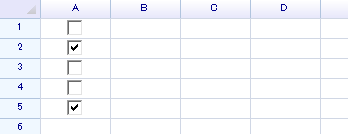
grid["A1:A5"] = new object[] { false, true, false, false, true };
チェックボックスセルはブール値をデータとして受け取り、グリッドは以下のように表示されます。
エディターで列タイプを設定
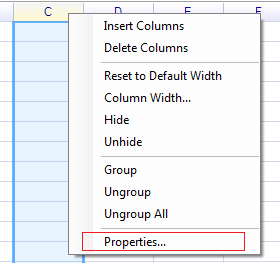
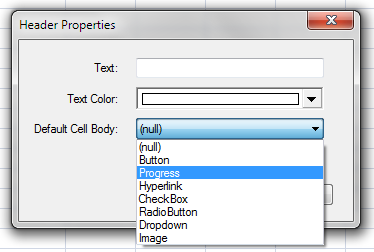
列全体を選択してヘッダーを右クリックし、「Properties...」を選択します。
「Progress」を選択して「OK」を押します。
「C」列に30などの数値を入力します。
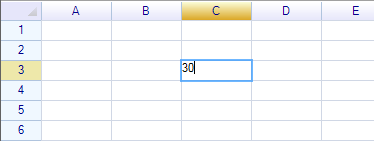
Enterキーを押すと、セルがプログレスタイプに変わります。