
The images included in an Excel file look like this:
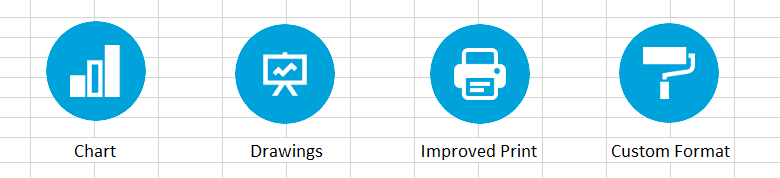
To read images from an Excel file, first use the ReoGrid workbook to open the file:
reoGridControl.Load(@"MyPath\Excel\welcome-089.xlsx");Get the instance of the worksheet that contains the images.
var worksheet = reoGridControl.Worksheets["Sheet1"];By accessing the FloatingObjects property of the worksheet, iterate over all floating objects on the worksheet:
foreach (var floatingObject in worksheet.FloatingObjects)
{
  // check whether or not the floating object is an image
  if (floatingObject is Drawing.ImageObject)
  {
    var imageObject = (Drawing.ImageObject)floatingObject;

    var image = imageObject.Image;
    // process the image
    // ...
  }
}