
ReoGrid supports zooming in and out of worksheets, both programmatically and via user interaction (mouse wheel, keyboard shortcuts).
Zoom Methods
sheet.ZoomIn();     // Increase by 10% (scale factor +0.1)
sheet.ZoomOut();    // Decrease by 10% (scale factor -0.1)
sheet.ZoomReset();  // Reset to 100% (scale factor = 1.0)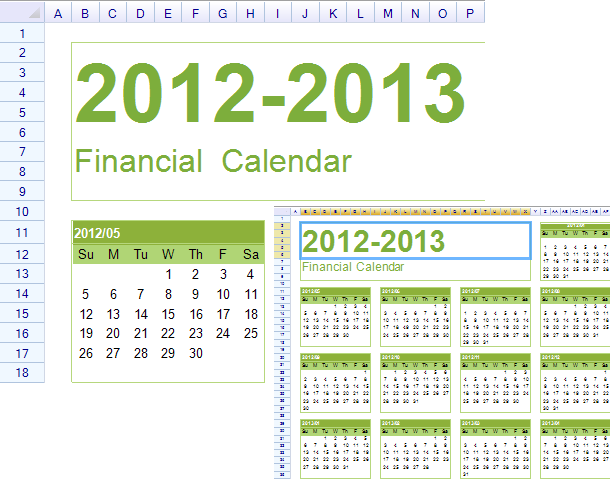
Set Scale Factor
Set a specific zoom level using the SetScale method or ScaleFactor property:
// Set scale to 200%
sheet.SetScale(2f);

// Or use the property
sheet.ScaleFactor = 2f;
| Scale Factor | Zoom Level |
|---|---|
0.5f | 50% |
1.0f | 100% (default) |
1.5f | 150% |
2.0f | 200% |
3.0f | 300% |
Get Current Scale Factor
float currentScale = sheet.ScaleFactor;
Console.WriteLine($"Current zoom: {currentScale * 100}%");
Mouse Wheel Zoom
By default, holding Ctrl and using the mouse wheel zooms in/out:
- Ctrl + Scroll Up = Zoom In
- Ctrl + Scroll Down = Zoom Out
Disable Mouse Wheel Zoom
sheet.SetSettings(WorksheetSettings.Behavior_MouseWheelToZoom, false);Keyboard Zoom
By default, Ctrl + Plus and Ctrl + Minus zoom in/out:
Disable Keyboard Zoom
sheet.SetSettings(WorksheetSettings.Behavior_ShortcutKeyToZoom, false);Scaled Event
Listen for zoom changes:
sheet.Scaled += (s, e) =>
{
    Console.WriteLine($"Zoom changed to: {sheet.ScaleFactor * 100}%");
};
Related Topics
- Worksheet Settings — Behavior and view settings
- Hot Keys — Keyboard shortcuts